1. After connecting the Switch to a power outlet, the LEDs do not turn on.
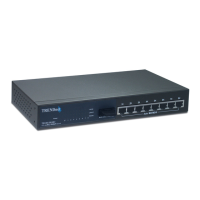
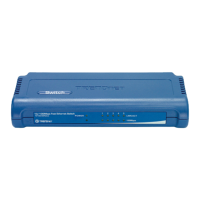
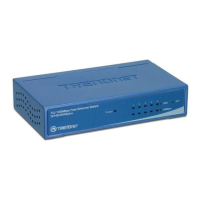
1. Check the connection of the power adapter to the TE100-S5/TE100-S8 and the
power outlet.
2. Check that the power outlet is receiving power.
2. After I connect my computers to the Switch, I am unable to share files.
Check the LEDs on the Switch. Make sure the Link/ACT LED is on.
2. Check the network cable. The minimum length of the cable is 1.5 meters and
the maximum length of the cable is 100 meters.
3. Disable any software firewall program.
4. Verify that you have file sharing enabled. Please contact your Operating
System support for more information.
3. After I connect my computers to the Switch, I can only get onto the Internet
from one computer.
The Switch was not designed to share Internet between multiple computers. You
need to get an Internet router such as the TW100-S4W1CA.
4. Where is the uplink port located on the Switch?
Since all the ports on the Switch are Auto-MDIX, any of the ports can be used as
an uplink port.
If you still encounter problems or have any questions regarding the
TE100-S5/TE100-S8, please contact TRENDnet's Technical Support Department.
1.
Troubleshooting
5










 To Next Page

