2. Hardware Installation
2
Note:
1. After hardware installation is complete, use the Web Browser to configure the
TEG-160WS/TEG-240WS. To access the Web Browser configuration, open your web
browser, and enter the default IP Address http://192.168.0.1 and default password
"admin". Make sure your computer and the TEG-160WS/TEG-240WS are configured
to the same network segment.
2. The Mini-GBIC slots are shared with Port 15 and 16 (TEG-160WS) and port 23 and
24 (TEG-240WS) Gigabit Ethernet ports. When the Mini-GBIC slots are in use, port
15 and 16 (TEG-160WS) and port 23 and 24 (TEG-240WS) Gigabit Ethernet ports
are disabled.
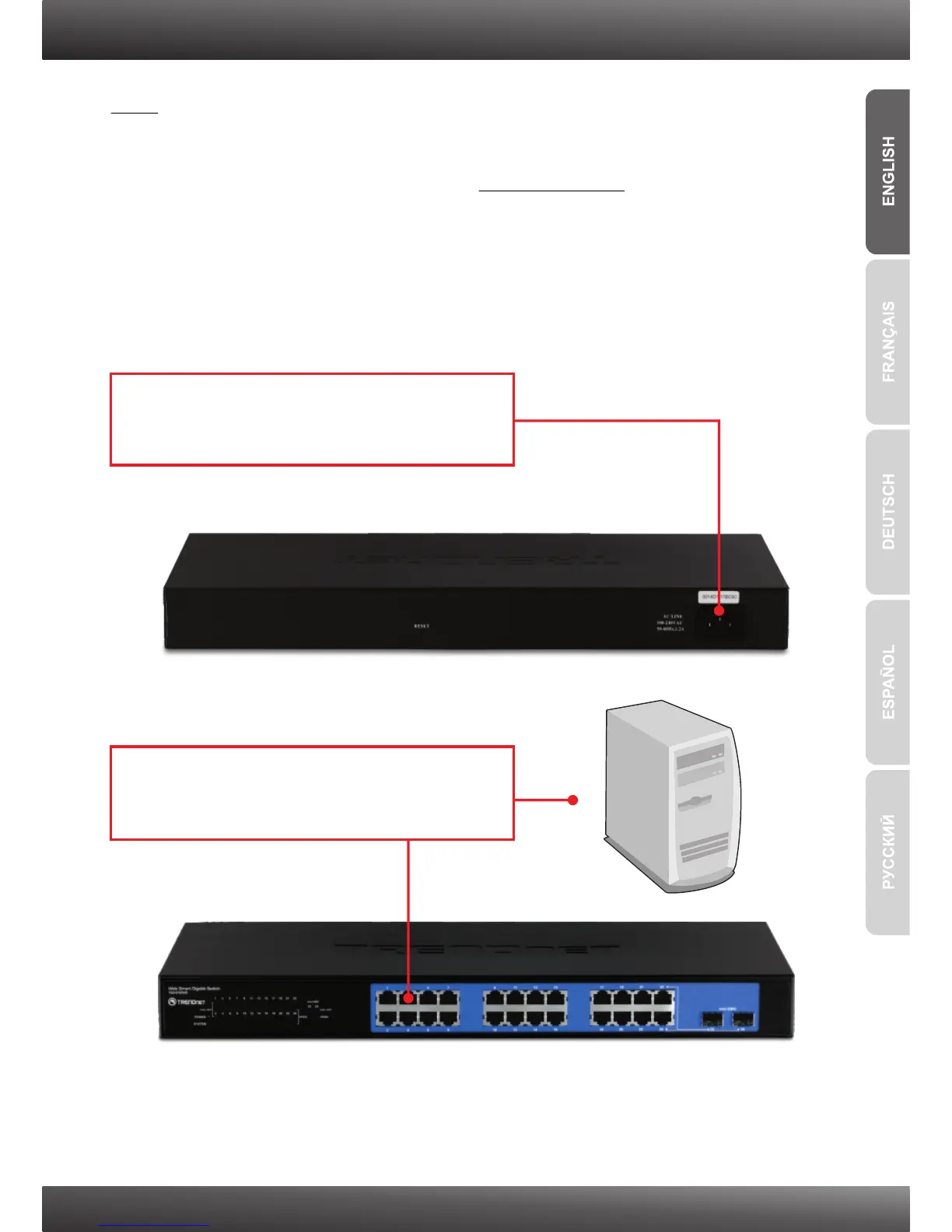
2. Connect a CAT-5e or 6 RJ-45 network cable
from the computer to an available Ethernet port
of the TEG-160WS/TEG-240WS.
1. Connect the Power Cord to the rear of the
TEG-160WS/TEG-240WS and then to a power
outlet.











 To Next Page