3
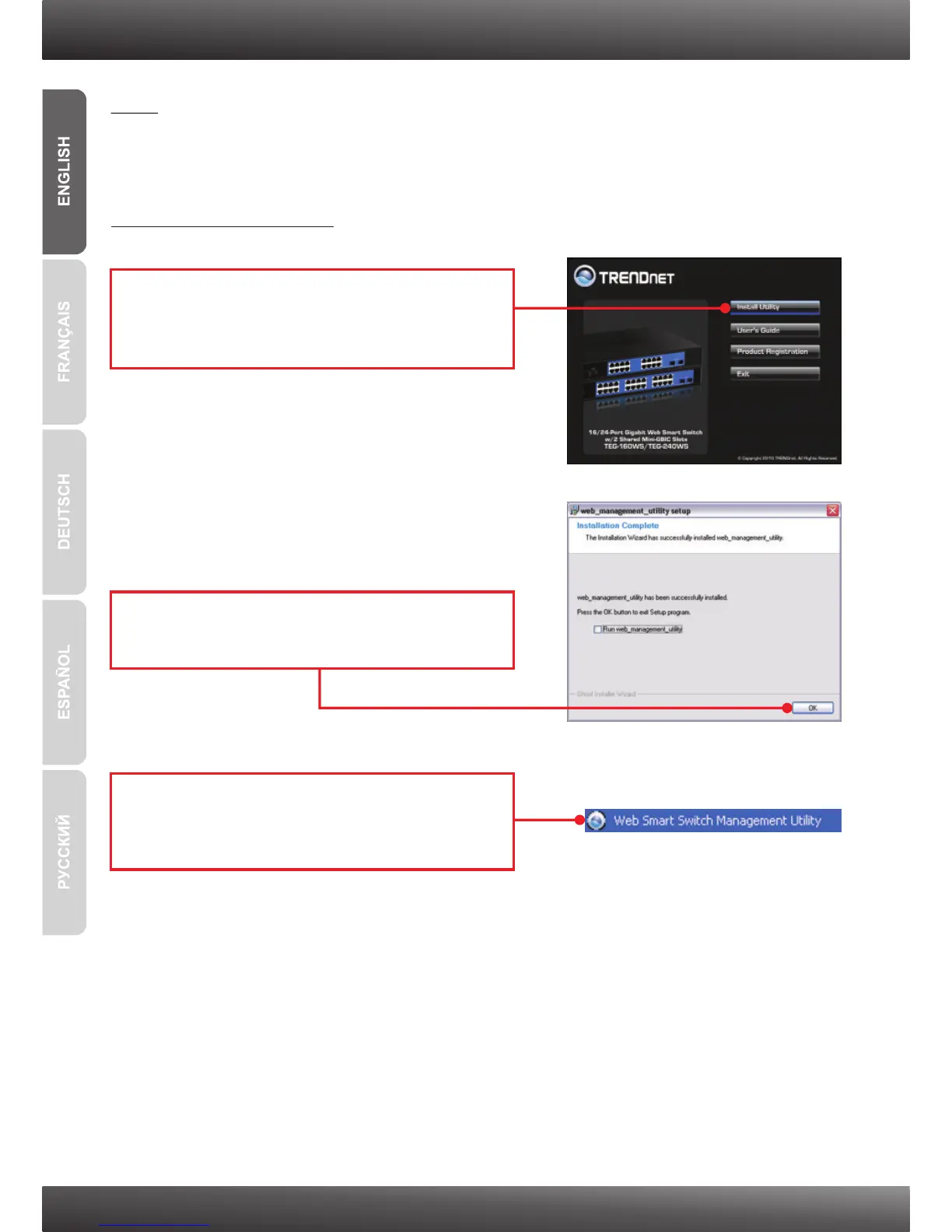
2. Follow the Installation Wizard instructions.
Click OK.
1. Insert the Utility & User’s Guide CD-ROM into
your computer's CD-ROM Drive and then click
Install Utility.
3. Web Management Utility
Note: If you would like to easily discover all the Web Management Switches on the
network, assign IP Address, change the password, and upgrade to new firmware, then
install the Web Management Utility. Follow the steps below.
For Windows User
3. Click Start g Programsg
Web_Management_Utility, and then click
Web_Management_Utility.











 To Next Page