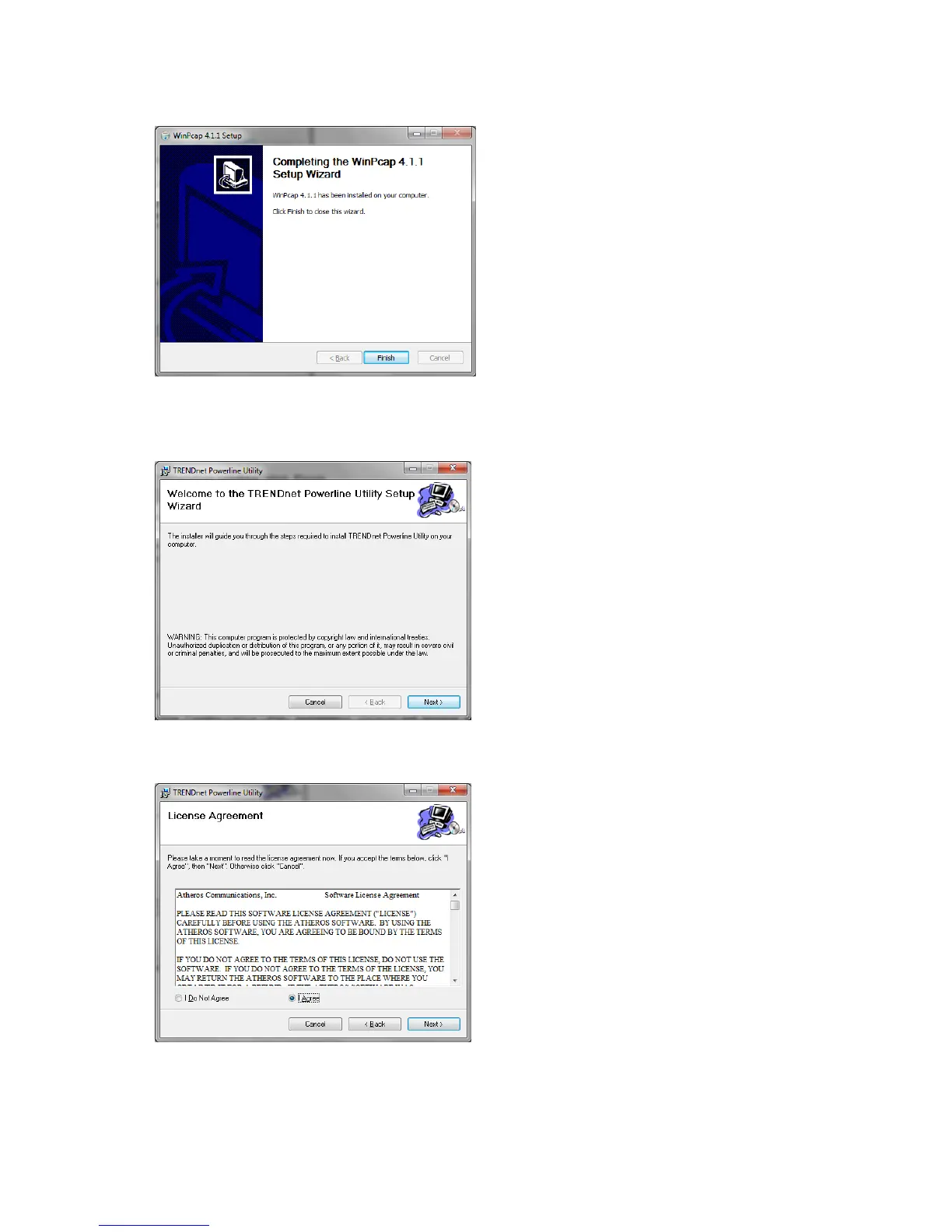
8. At the Setup Wizard Completion window, click Finish.
9. The TRENDnet Powerline Configuration Utility installation window will appear automatically. At
the Setup Wizard window, click Next.
10. In the License Agreement window, check the radio button I Agree, and then click Next.














 To Next Page