©Copyright2016TRENDnet.AllRightsReserved.
TRENDnetUser’sGuide
TPL‐410AP/TPL‐410APK
5
BasicInstallation
Note:Itisrecommendedtoplugtheadaptersintonearbyoutletsbeforeinstallingthe
devicestothedesiredlocations.
Note:Ifyouareconnectingtheadapterstoathirdpartypowerlinedeviceotherthan
TRENDnetandencounterissues,pleaserefertothemanufacturer’sdocumentationfor
theappropriatesyncbuttonprocedure.
Note:
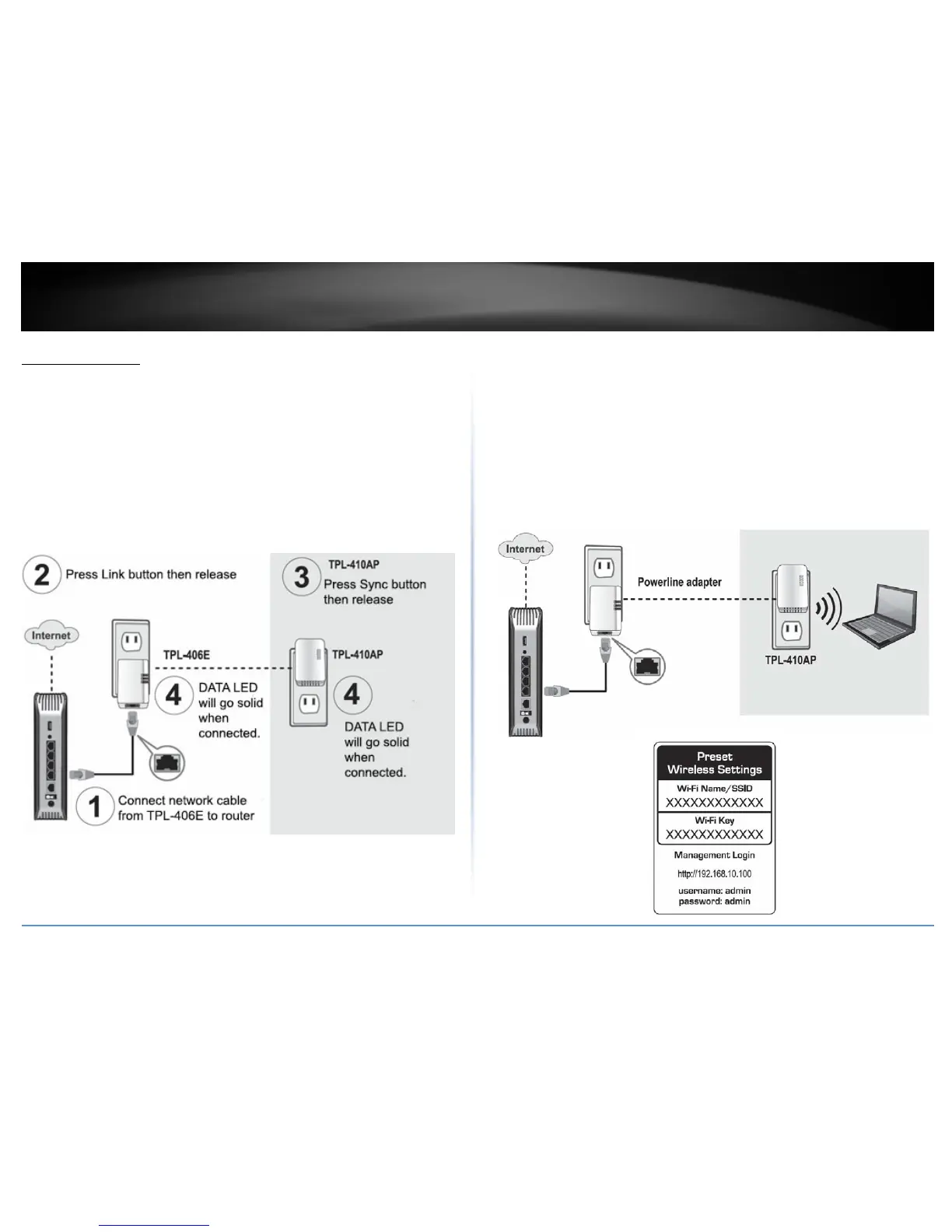
ThesyncbuttonprocedurestepsbelowdemonstrateusingTRENDnetpowerline
modelTPL‐406E(includedwiththePowerline500WirelessKitonly)butthesame
procedureappliestoTRENDnetpowerlinemodelsTPL‐407E/420E/421E.
ConnectingtheadaptersusingPowerline
5.Onceyouhavesuccessfullyconnectedthepowerline
adaptersthroughtheelectrical
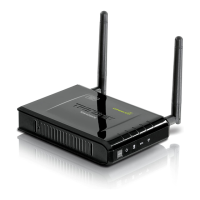
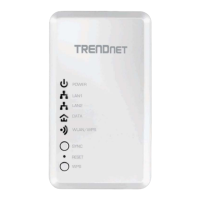
system,youcanmovetheTPL‐410APtothedesiredlocationtocreateorextend
wirelessconnectivitytoyourexistingnetwork.
6.ForaddedsecuritytheTPL‐410APhasbeenpre‐configuredwithauniquewireless
networkname(SSID)andwirelesskeywhichcanbefound
onthePresetWireless
Settingsstickerordevicelabel.Usethesesettingstoconnectyourwirelesslaptops,
mobiledevices,andotherwirelessnetworkdevicestoyournetwork.
MoveTPL‐410APtothedesiredlocationandconnectyourwirelessnetworkdevices



 To Next Page