3
Product Hardware Features
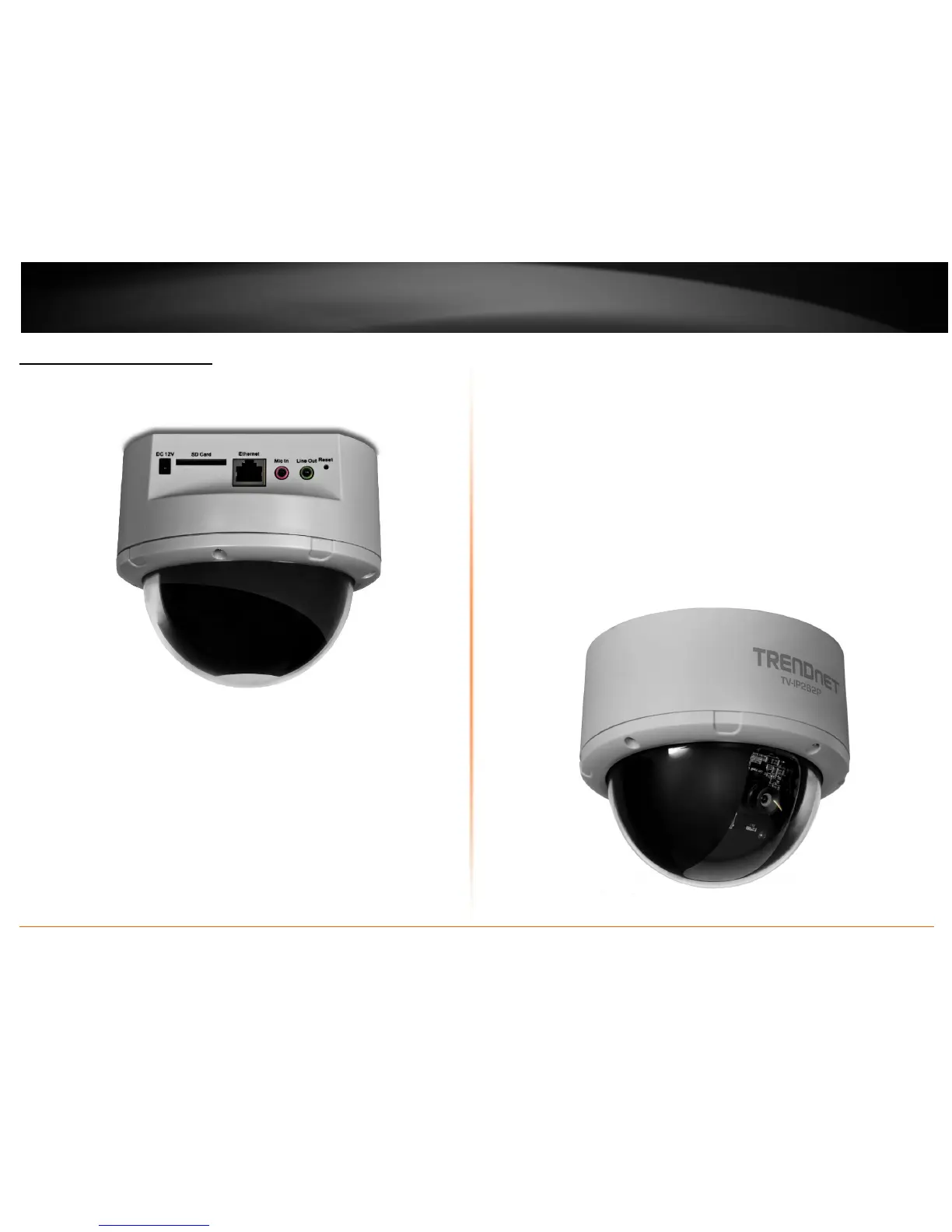
Rear Panel View
Power : Connect the provided AC power adapter to supply power to the
camera.
SD Card Slot: Insert a memory card for expansion of storage.
Ethernet Cable Connector: Connect the provided network cable (RJ-45 type)
- The connector supports Power over Ethernet standard, enabling the camera
to be powered by the Ethernet.
Mic In: Connect an external microphone.
Line Out: Connects an external active speaker.
Reset: Press and hold the reset button for five seconds to reset the camera to
factory default settings.
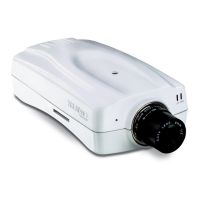
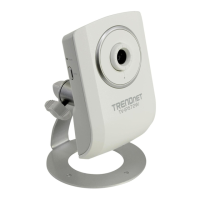
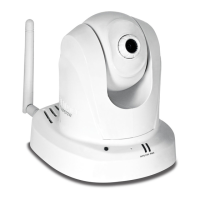
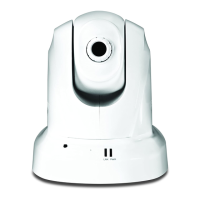
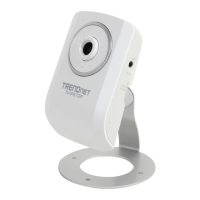
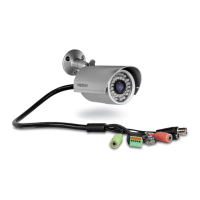
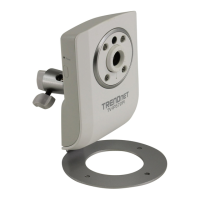
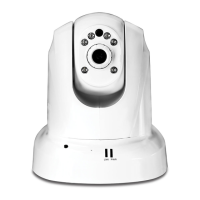
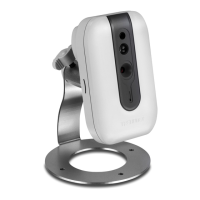
Front Panel View



 To Next Page