T
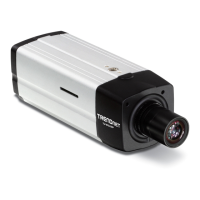
-IP522P ProView Megapixel Internet Camera
Schedule Recording with IPView Pro 2.0
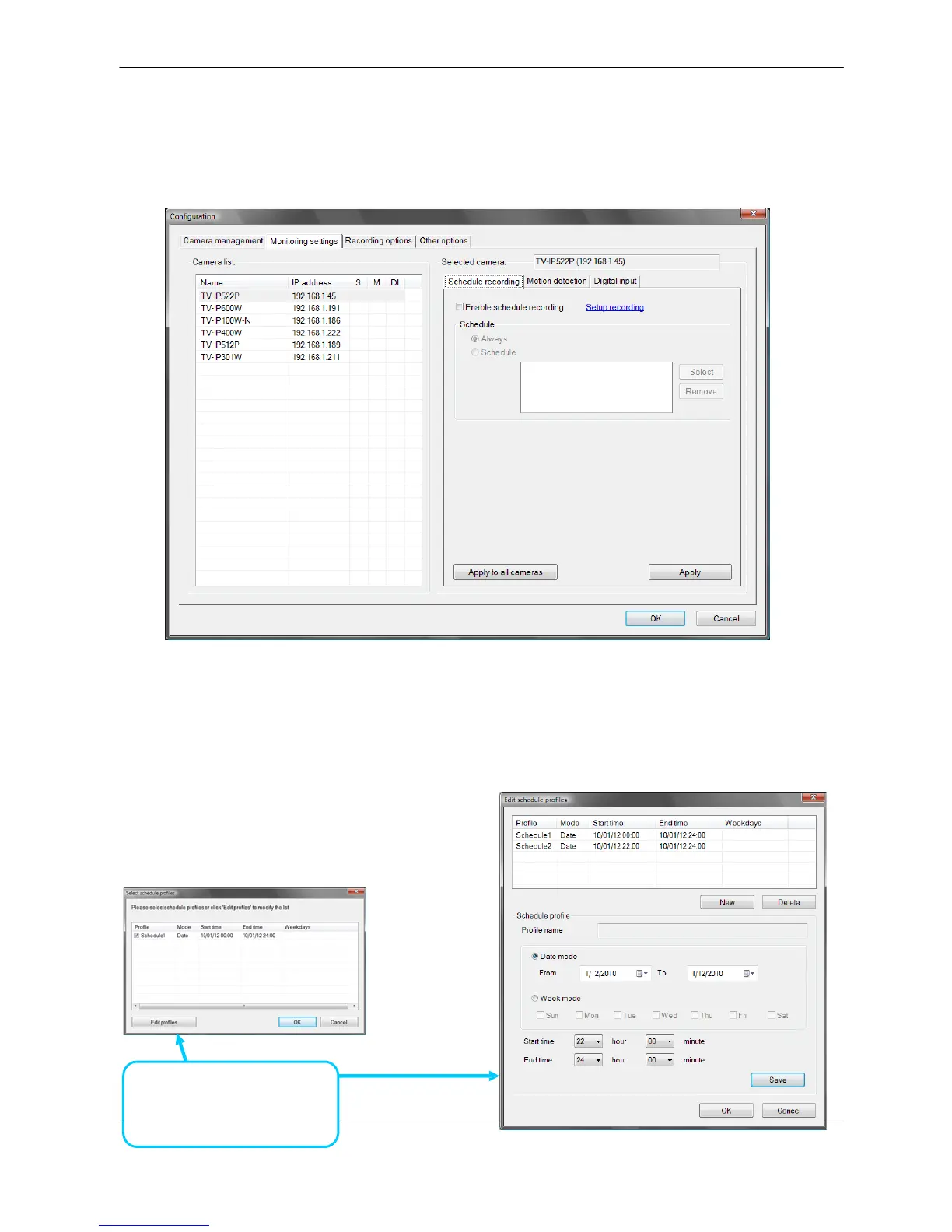
Use the Monitoring Settings menu to create schedules for recording and apply the schedules to
any camera. Click the Monitoring Settings tab to view the Schedule Recording menu (the first
menu viewed in the Camera Settings menu tab).
To apply an existing schedule profile, click the Select button and choose a schedule from the list of
previously created schedule templates. If a new schedule is needed it can be created from the
Select Schedule Template menu (See below).
Create Schedule Templates
To make a new schedule template, click the Create Template button to view the Create Schedule
Profile menu. Use this menu to create new schedules for recording.
Click Create Template to
make a new schedule.
55



 To Next Page