TV-IP600/W Wireless Network Camera
30
Login
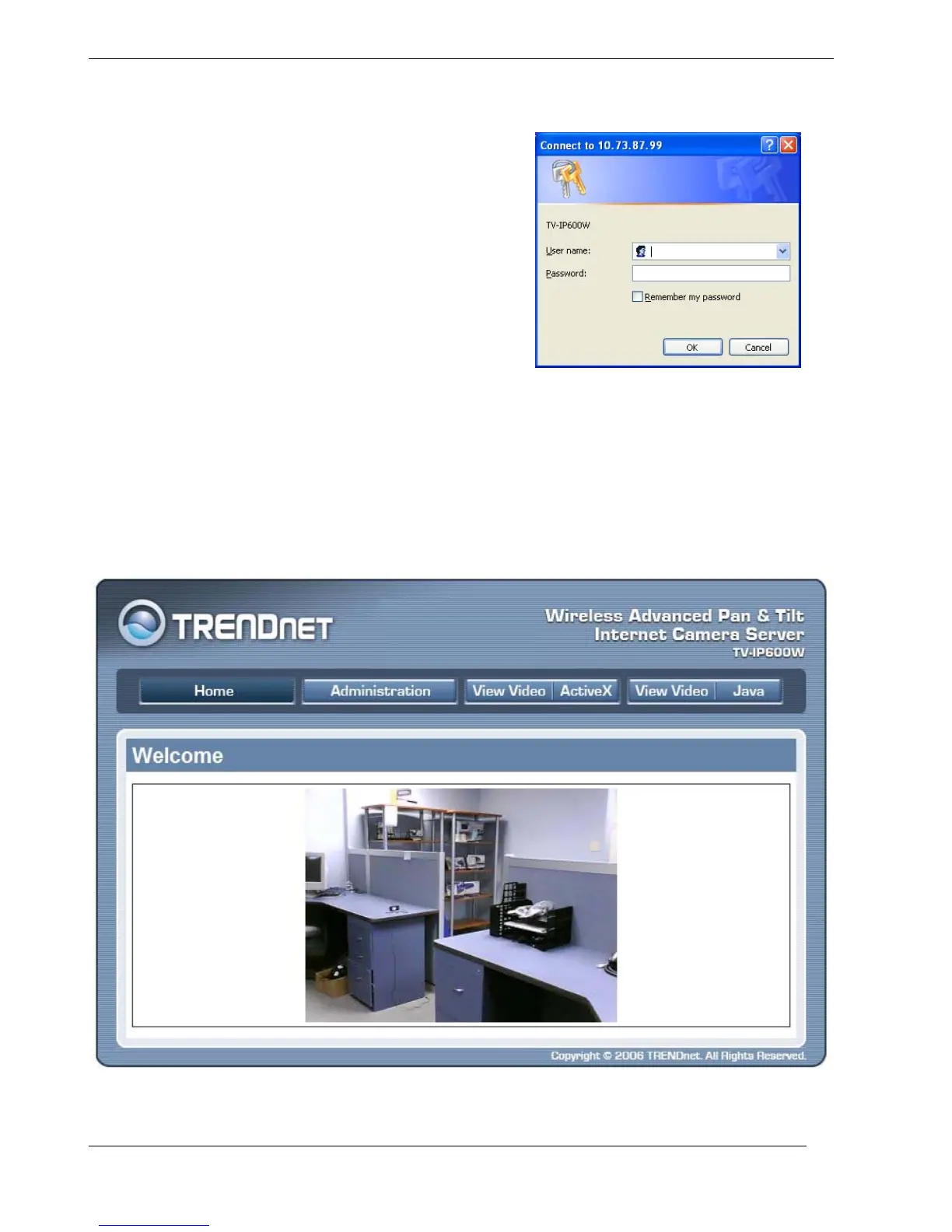
To access the web manager directly from a computer or
on a network without a DHCP server running, use the
default IP address of the camera in the browser address
entry to access the web manager. Type
http://192.168.10.30 in the address bar and press Enter.
The login dialog appears when accessing the camera.
Type the default user name “admin”, default password
“admin” and click on the OK button to access the
camera’s management interface.
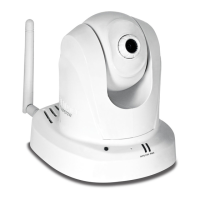
Web Configuration Utility
After successfully logging in, the camera Welcome screen will appear with a still image. There are
four options to choose from for setting up your camera:
• Home
• Administration
• View Video – ActiveX
• View Video – Java
Welcome Screen of the Web Configuration Utility


 To Next Page