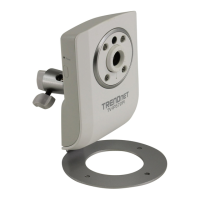
TV-IP600/W Wireless Network Camera
37
Configuration
The following menus are available in the Configuration directory: System, Video, Wireless (only
for TV-IP600W camera), Network, User, Date/Time, Upload and E-mail. To access a menu click
the link of the item that you want to view.
System Configuration
Click the System link from the column on the left hand-side to configure the basic settings of the
camera.
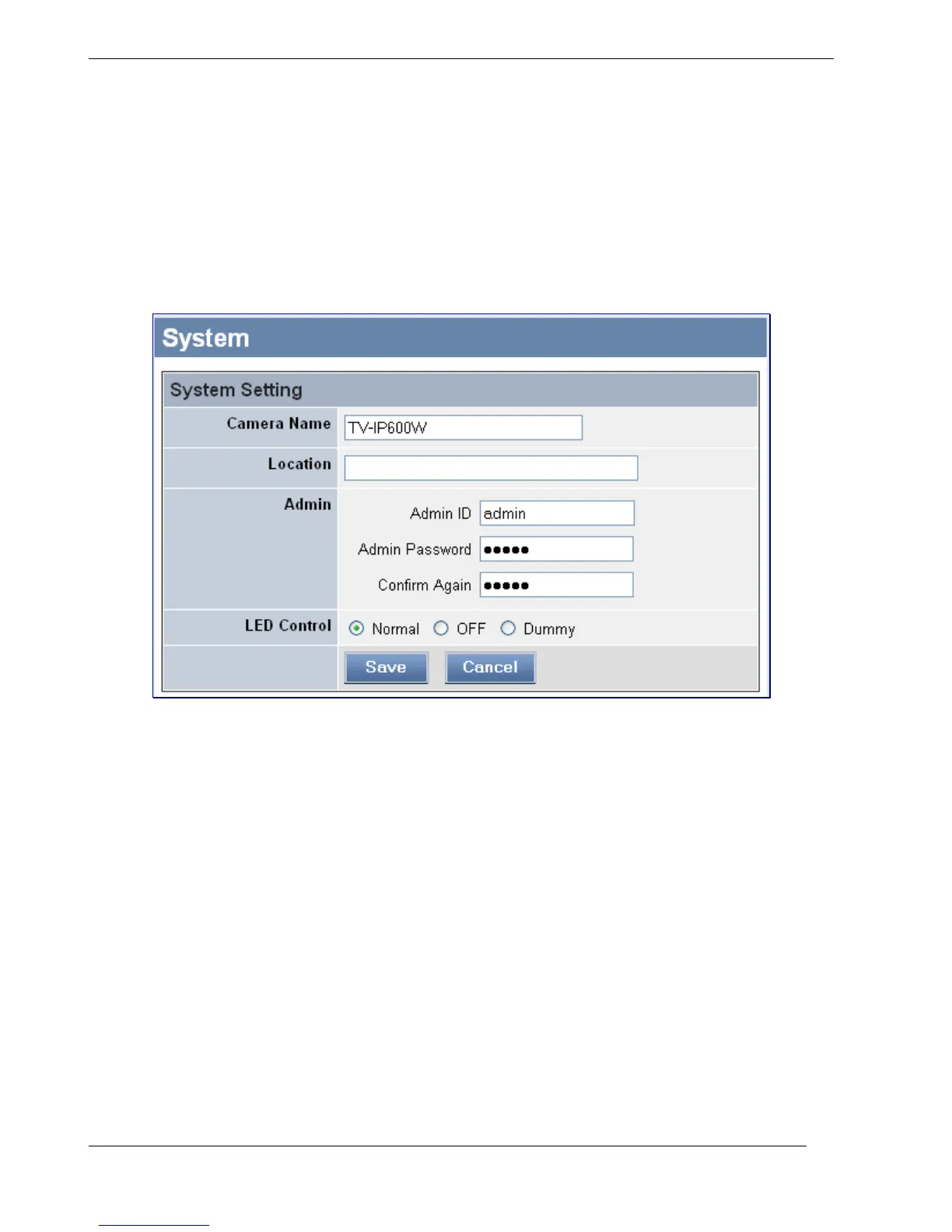
System Setting menu
System Setting
Use this section to configure basic information for your camera:
• Camera Name: Use this field to enter a descriptive name for the device. The default name
of the Camera is the same as the Camera model name. Therefore, for the TV-IP600 the
default name is TV-IP600 and for the TV-IP600W the default name is TV-IP600W. The
maximum length allowed for the Camera Name is 32 (printable ASCII) characters.
• Location: Use this field to enter a description for the location used by the camera
(optional).
• Admin: Use the fields to change the administrator name along with the password used to
access the System Administration settings. Enter the administrator name in the Admin ID
field, a password in the Admin Password field and confirm the password in the Confirm
Again field.


 To Next Page