2
2. Hardware Installation
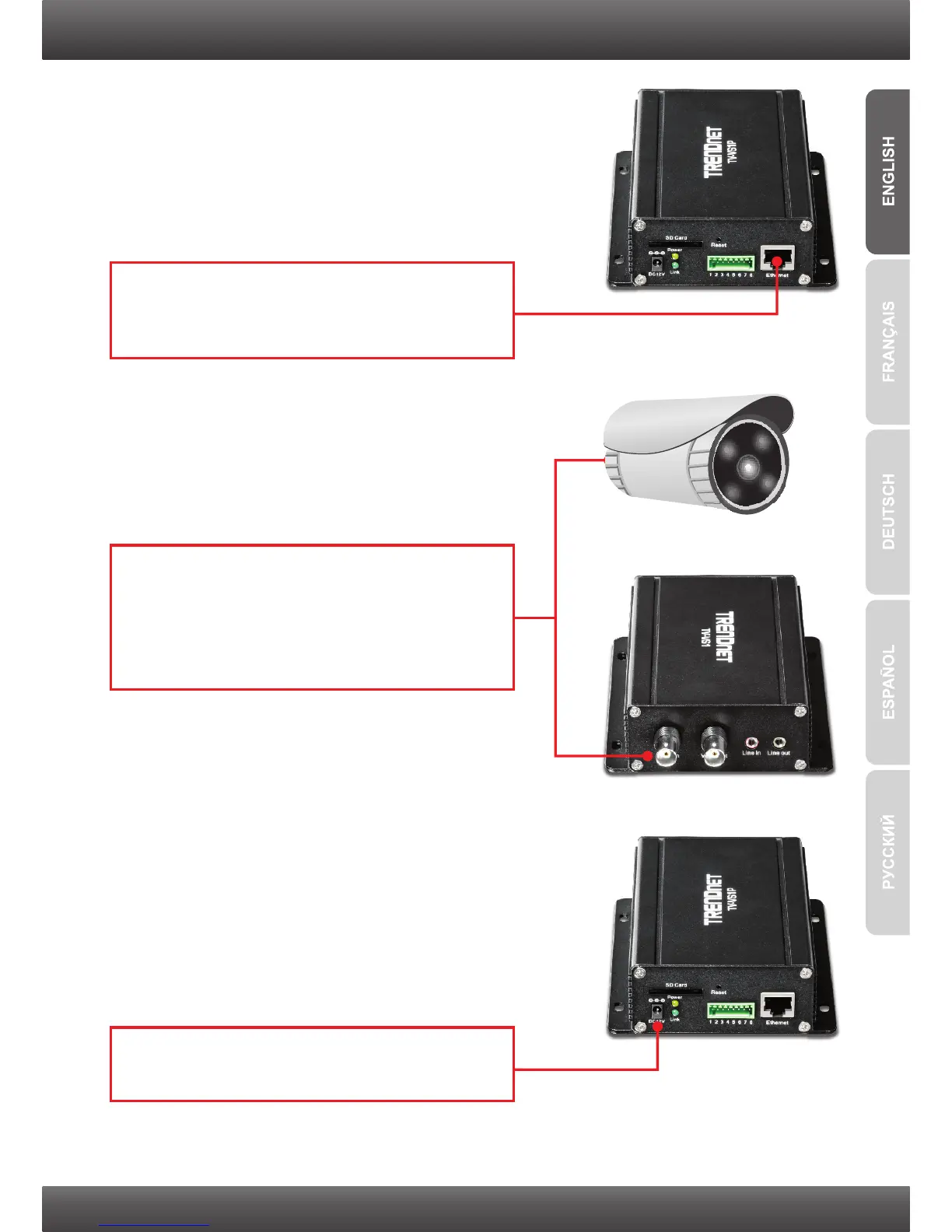
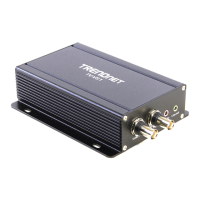
1. Connect the provided network cable from one
of your Router's network ports to the Ethernet
port on the TV-VS1/TV-VS1P.
3. Connect the Power Adapter to the
TV-VS1/TV-VS1P and then to a power outlet.
2. Connect one end of a BNC cable to the Video
IN (Input) connector on the TV-VS1/TV-VS1P.
Connect the other end of a BNC cable to the
Video OUT (Output) connector on your analog
camera.


 To Next Page