4
Note:
To view video using MJPEG video compression, go to www.java.com. Download and
install the Java plug-in.
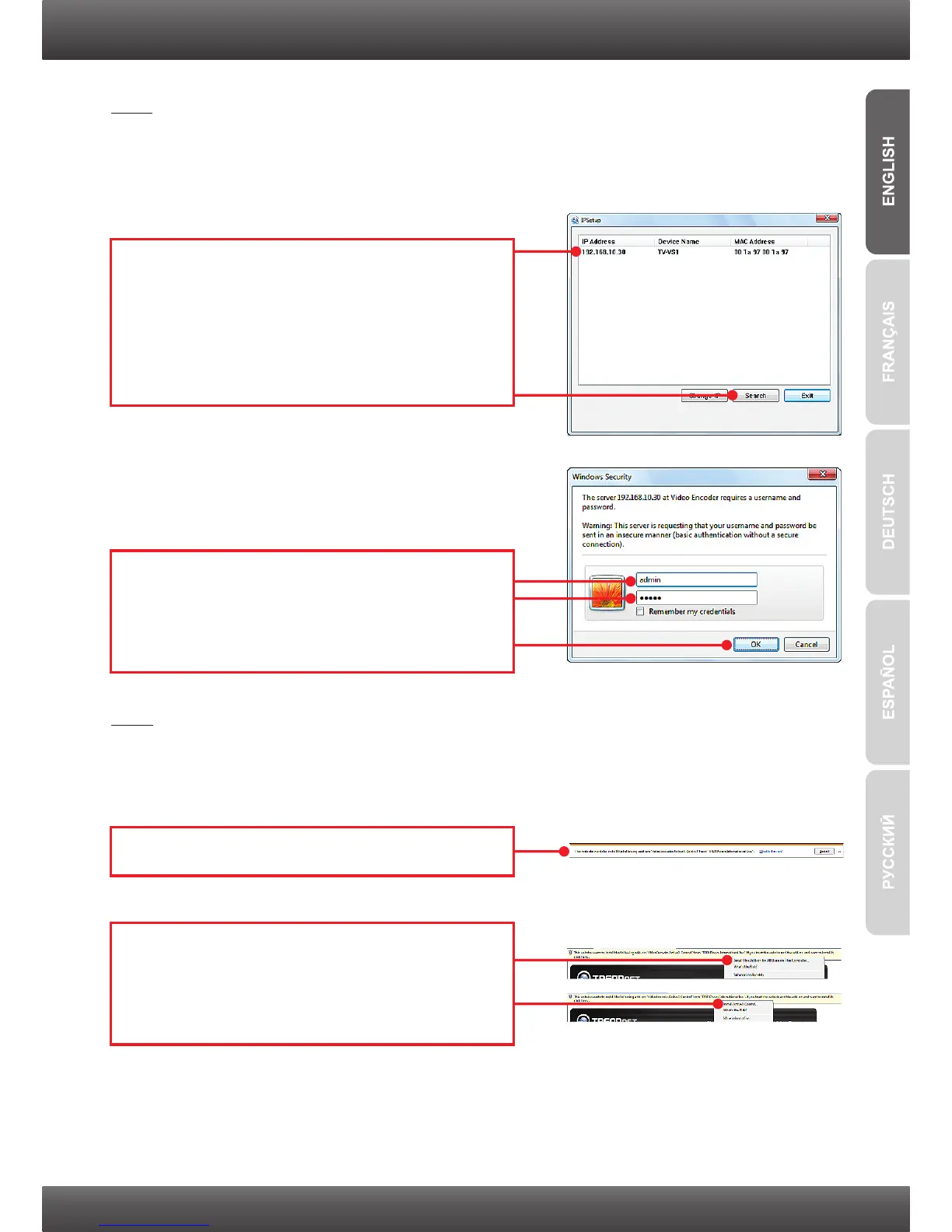
8. Double click the Video Encoder to access the
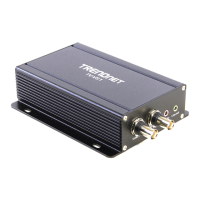
browser configuration. Verify that the MAC
address listed matches the MAC address on
your Video Encoder. The MAC address is listed
on the bottom of the TV-VS1/TV-VS1P. Click
Search if no Video Encoder is detected.
9. Enter the User name and Password, and then
click OK. By default:
User Name: admin
Password: admin
10. Click Install (Internet Explorer 9).
11. Right click on the information bar and select
Install This Add-on for All Users on This
Computer… (Internet Explorer 8) or Install
ActiveX Control (Internet Explorer 6/7).
Note:
By default, the IP setting on the TV-VS1/TV-VS1P is set to DHCP. If you want to give
the TV-VS1/TV-VS1P a static IP address, please refer to the User's Guide on the Utility
CD-ROM.


 To Next Page