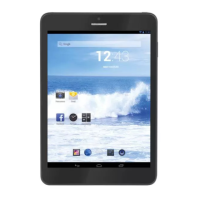
TAB 5 English
26
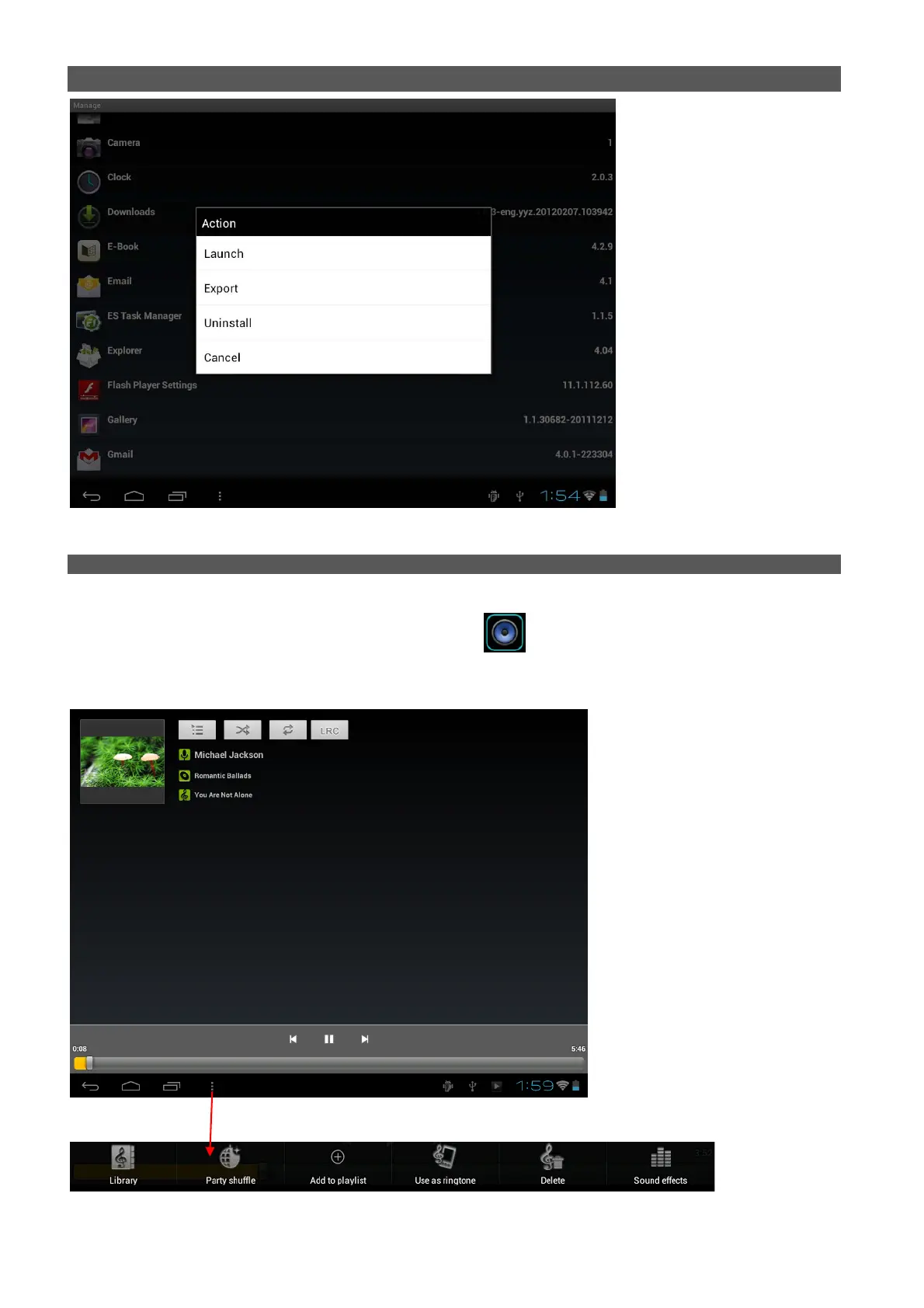
You can also go to “AppS” under “Settings” to manage apps.
VI. MULTI-MEDIA FUNCTION
6.1 Music
After loading your music into your tablet, tap the music icon to open the music player. You can select
songs by Artist, Albums, songs or Play lists. Tap to select. The media player allows you to shuffle, skip, or pause
your current selection and even displays the album artwork when available.


 To Next Page