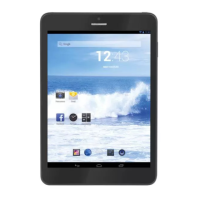
TAB 5 English
29
6.5 E-book reader
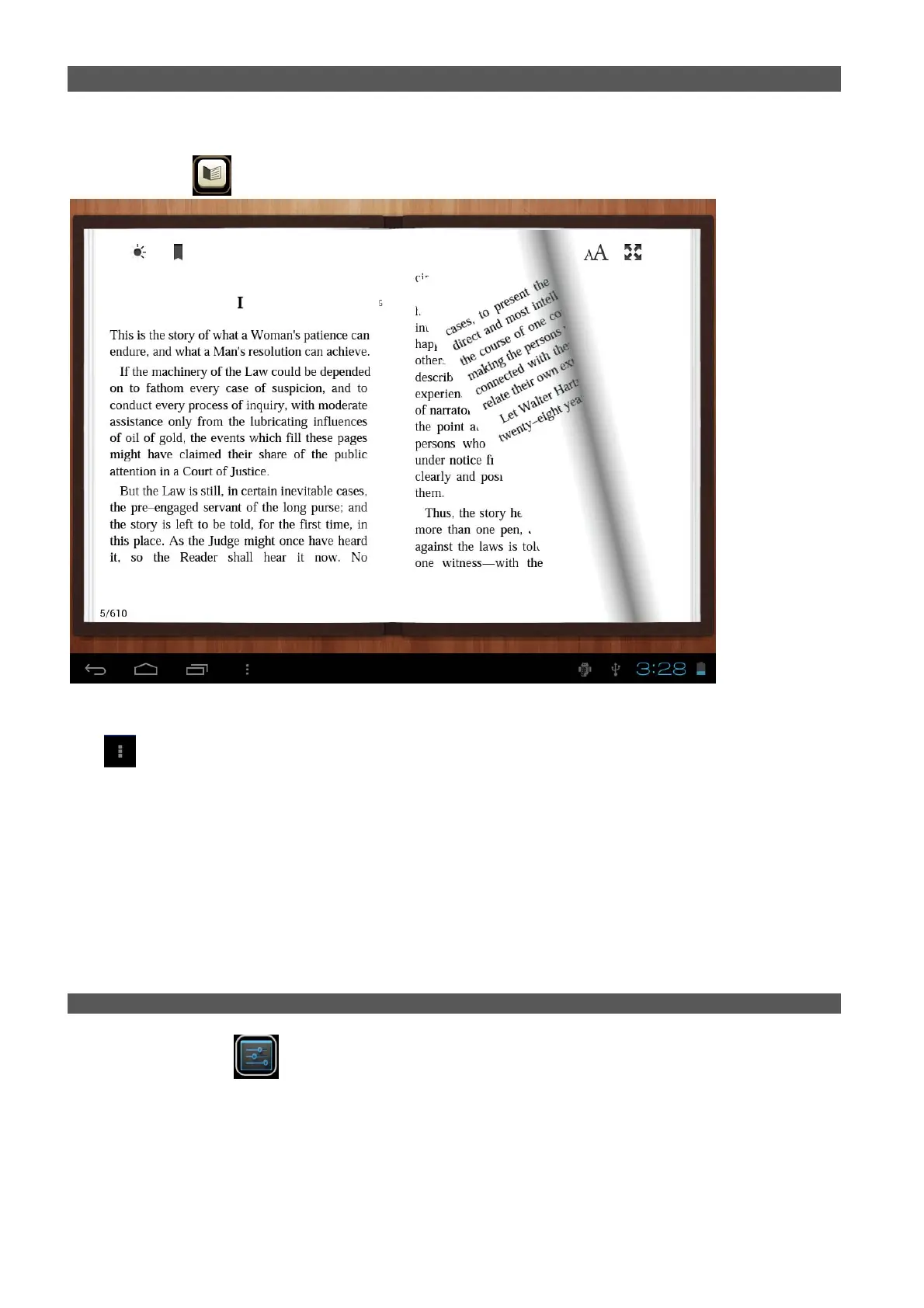
The tablet supports many e-Book formats like PDF, Text, E-Pub, and FB2....
Tap the “e-book”
icon to open e-book shelves. Tab an e-book to open the book and read.
You can page up or page down by sliding your finger right or left.
Tab
or the menu button to check the sub-menus. You can set the font size, Go to Page jump; check your
bookmarks, set the auto flip time, etc.
6.6 HDMI Output
a. Tap “Video player” or other video players and play a required movie.
b. Adjust your TV set and select “HDMI” output
c. Connect the tablet to your TV via HDMI cable, and wait for a few seconds for your TV set to receive signal.
Note: The HDMI port is one-end output. The tablet PC goes dark when connected to TV. To carry out operations
on the tablet, please use a USB mouse.
VII. SETTING
Tap the “Settings” icon to go to settings.
You can check and set wireless networks, sound, display, storage, Battery, Accounts &sync, security, language,
date time, about tablet, etc.


 To Next Page