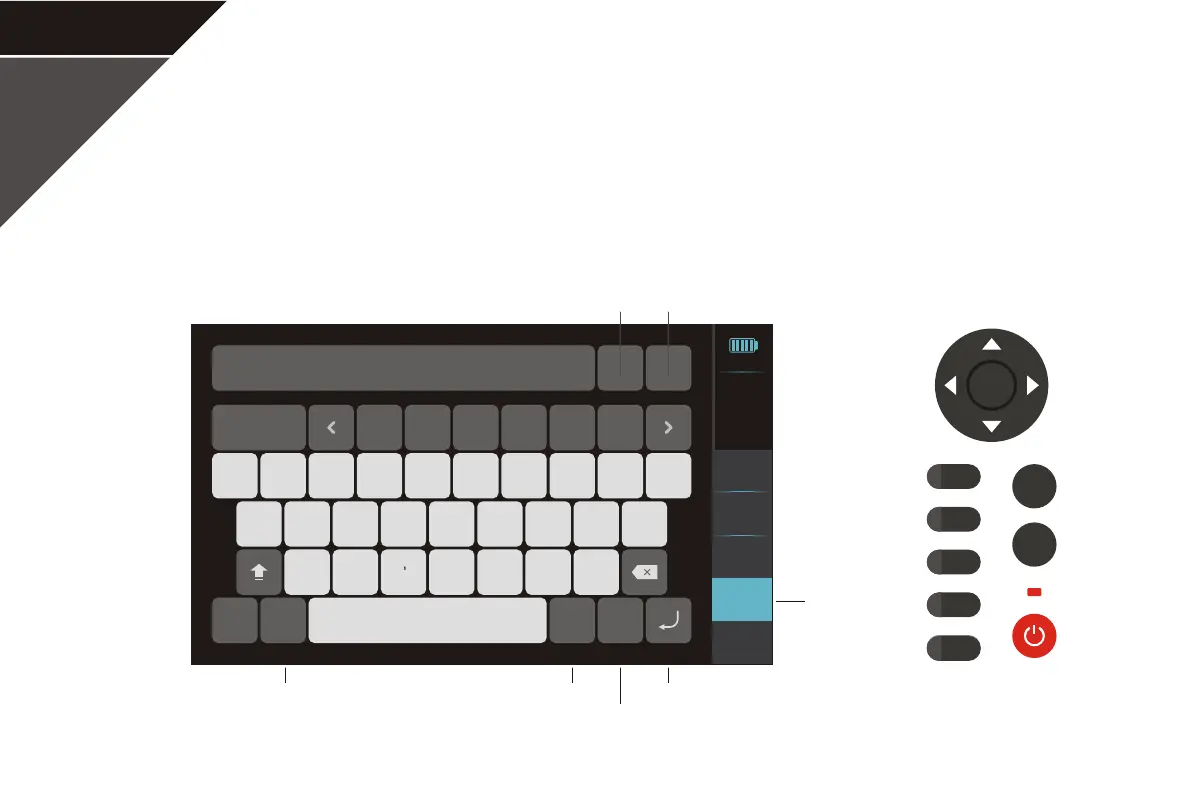
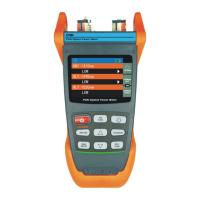
After measuring, click on "Save/File" to enter the save interface. The user needs to insert the USB
external storage device in advance. User can set the auto name function to be on/off and select the save
path. The longest filename can be 40 characters.
OTDR- Save/File-Save
Language and symbolic input keyboard
Modify save path
Save format Cancel and quit button
Confirm buttonAuto name
Save/File
ENTER
REAL
F5
F4
F3
F2
F1
SCAN
F5
Events
Analyse
Measure
settings
Back to
menu
Save/File
2
3
4
5
6
7
8 9 0
!
@
#
%
*
( )
-
+
:
;
,
. ?
/
1
123
EN
ESC
5_0001
.SOR
Space
Auto name
On
Save path
Internal
2017-01-01
21:35
100%
P17


 To Next Page