Trinamic CANopen quickstart guide • Guide • Document Revision V1.00 • 2021-Sept-10
7 / 10
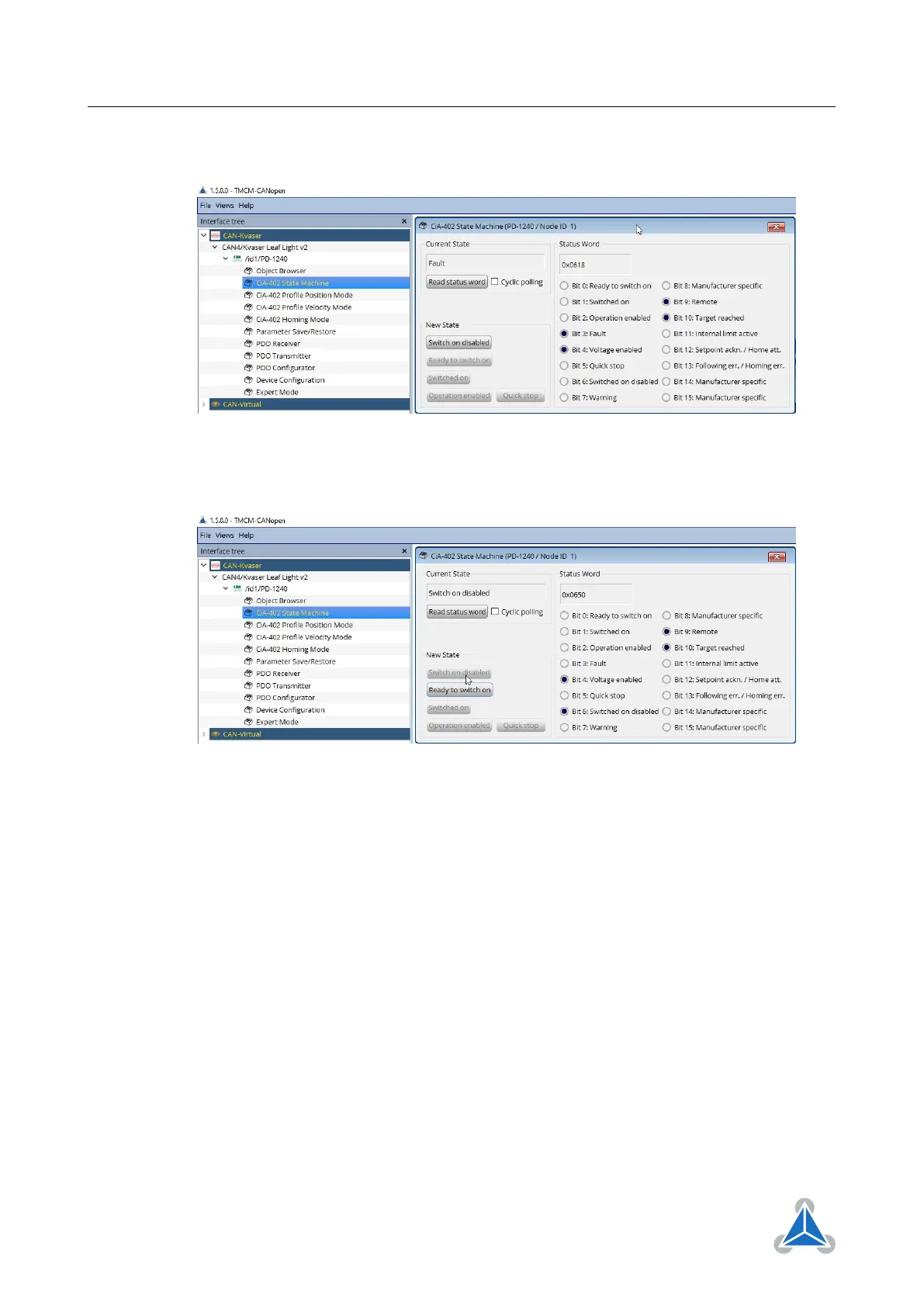
1. Open the toolbox CiA-402 State Machine and read out the status word of the DS402 state machine
Figure 8
2. Change the status of the DS402 state machine to switch on disabled.
Figure 9
3. Open the Object Browser and select object 0x2005 (Switch Parameters 1).
4. Read out object 0x2005. It should be set to 0 by default. Write 3 to disable the limit switches
©2021 TRINAMIC Motion Control GmbH & Co. KG, Hamburg, Germany
Terms of delivery and rights to technical change reserved.
Download newest version at www.trinamic.com


 To Next Page