Page | 20
ONLINE: TRINITYAPPLIANCES.COM.AU
TURN ON
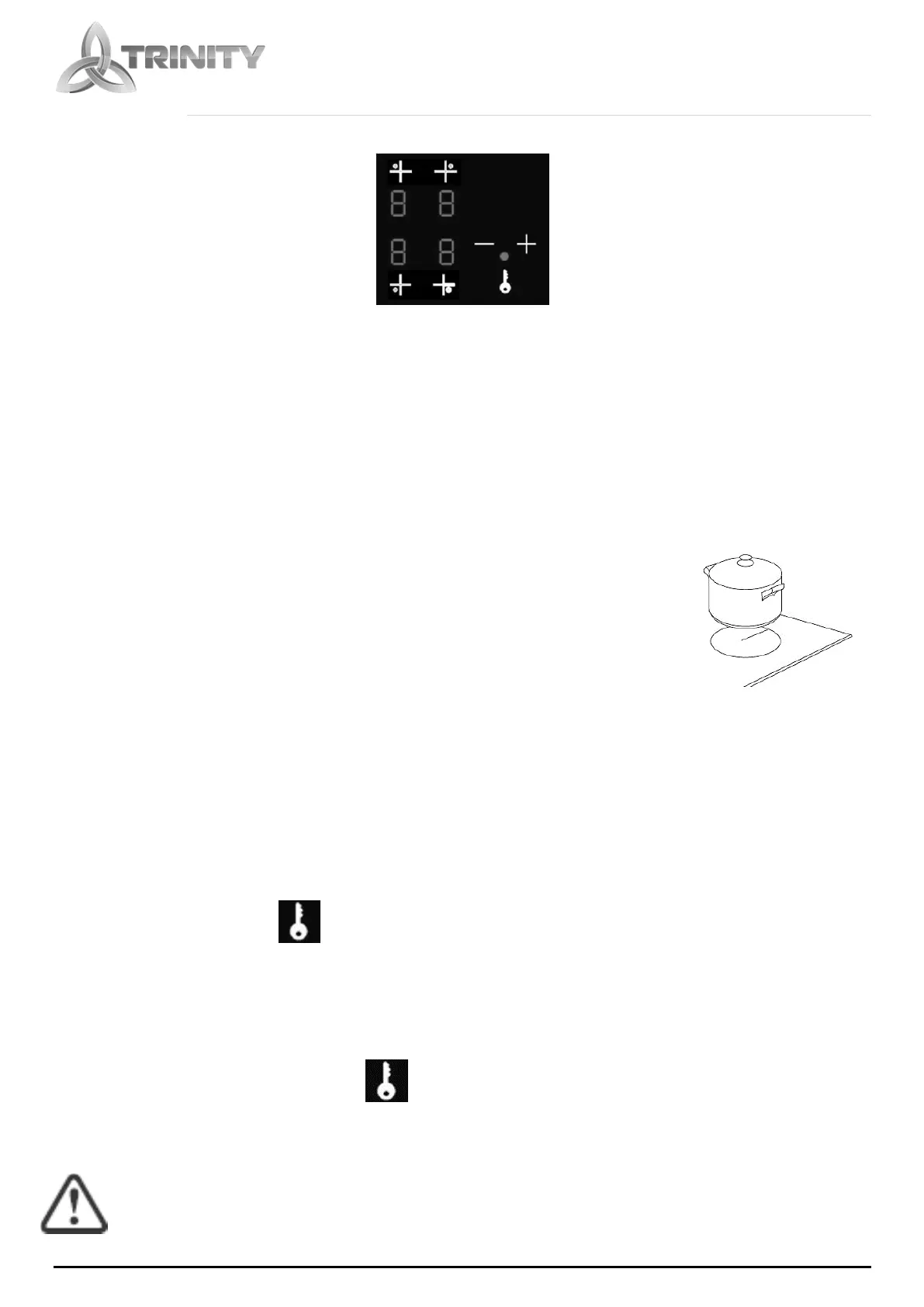
Select the cooking zone by touching the zone indicator symbol.
SELECT TEMPERATURE
Use the +/- buttons to increase or decrease heating level, indicated by the LED
display.
When you have finished cooking, double pressing selected zone indicator will turn it
off. First touch will select the zone and second will switch it off.
Note: Use a suitable size pan on the cooking zone that you wish to use.
Make sure the bottom of the pan and the surface of the cooking zone
are clean and dry.
CHILD LOCK FUNCTION
You can lock the controls to prevent unintended use, for example children accidentally
turning the cooking zones on.
When the controls are locked, all the controls are disabled.
To lock the controls
Touch the child lock key for 3 seconds. The indicator above the child lock key will be
on
To unlock the controls
Touch and hold the child lock key for a while.
You can now start using your ceramic hob.



 To Next Page