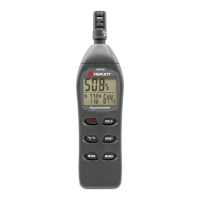
c. Press the backlight button to activate the backlight.
d. Press the backlight button again to switch the backlight off. Note
that the backlight will turn off automatically after a short period of
time in order to save battery energy.
e. The backlight function uses extra battery energy. To conserve
energy, use the backlight feature sparingly.
Clock and Sample Rate Setup
In this mode, the ▲ and ▼ arrow buttons will allow adjustment of the
selected (flashing) digits.
The ◄ and ► buttons will scroll to the next or previous selection.
1. Power the meter, then press and the REC/SETUP and UNITS
buttons simultaneously to enter the Setup mode. The hours display
will flash.
2. Adjust and step through each selection as needed.
3. Press and hold the REC/SETUP and UNITS buttons
simultaneously to exit the Setup mode. The order of selection with the
flashing (icon) is:
Sample Rate (00 to 99
seconds)



 To Next Page