USB PC Interface
Description
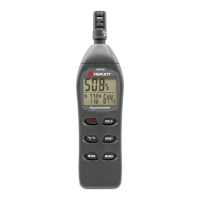
The LT68 meter can be connected to a PC via its USB interface. A USB
cable, along with
Windows
TM
software, is included with the meter. The software allows the
user to:
Transfer previously stored readings from the meter’s internal
memory to a PC
View, plot, analyze, store, and print readings data
Remotely control the meter via virtual software buttons
Record readings as they are taken. Subsequently, printing, storing,
analyzing, etc. the readings data
Meter to PC Connection
The supplied USB cable is used to connect the meter to a PC. Connect
the smaller connector end of the cable to the meter’s interface port
(located under the tab at the left-hand side of the meter). The larger
connector end of the cable connects to a PC USB port.
Maintenance
Cleaning
The Meter and its sensor can be cleaned with a damp cloth. A mild
detergent may be used but avoid solvents, abrasives, and harsh
chemicals.



 To Next Page