13
5. Touch Operation
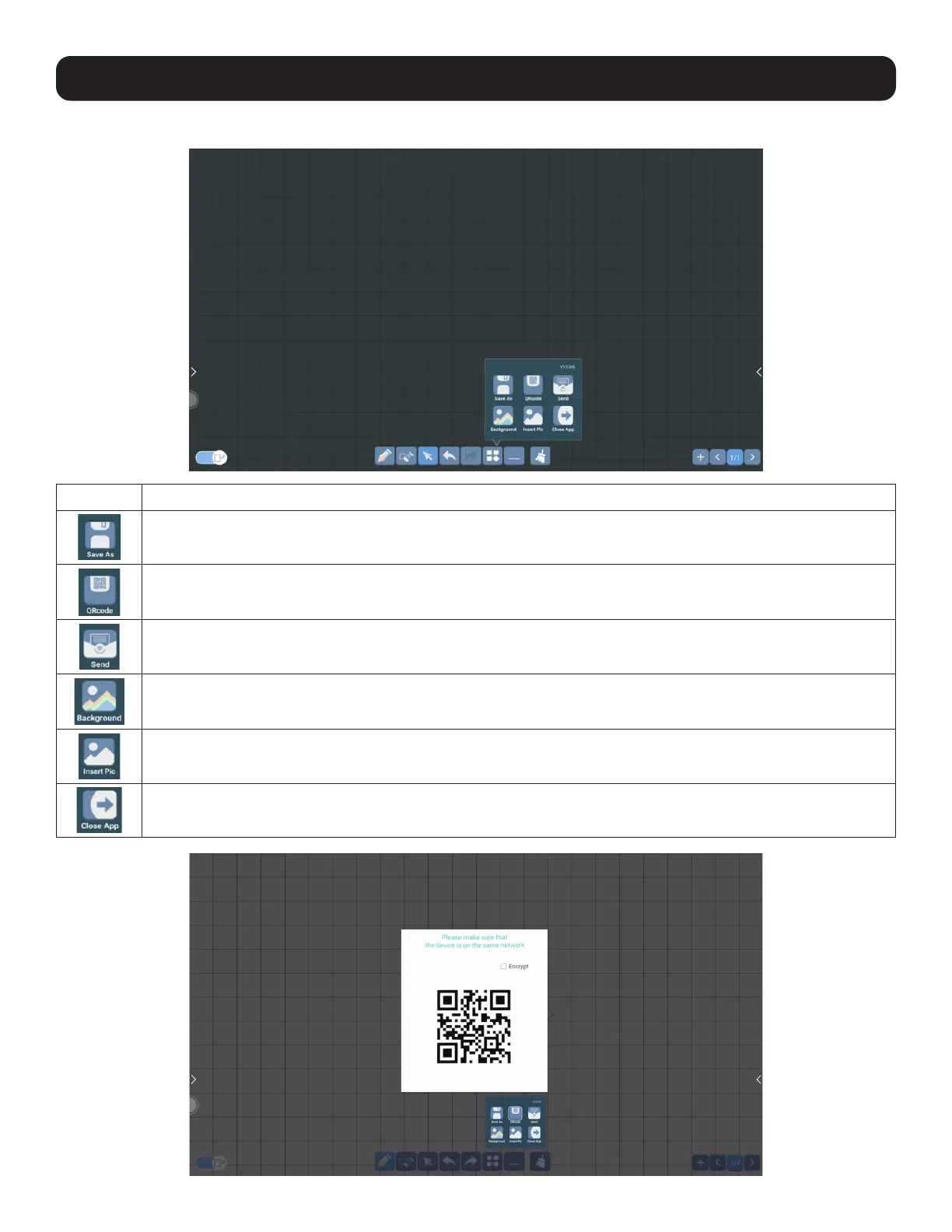
5.1.2.1 Drawing Application Menu Options
Button Description
Save As: Save the content on the page as PNG or PDF.
(You can customize the save path.)
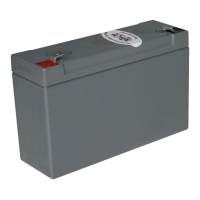
QR Code: Send the page content to a device on the same network through the QR code.
Send: Save the content on the page and send as an email.
Background: Set the background pattern and color.
Insert Pic: Insert a picture that is saved on the device.
Close App: Exit the drawing application.
QR Code



 To Next Page