5
Configuration
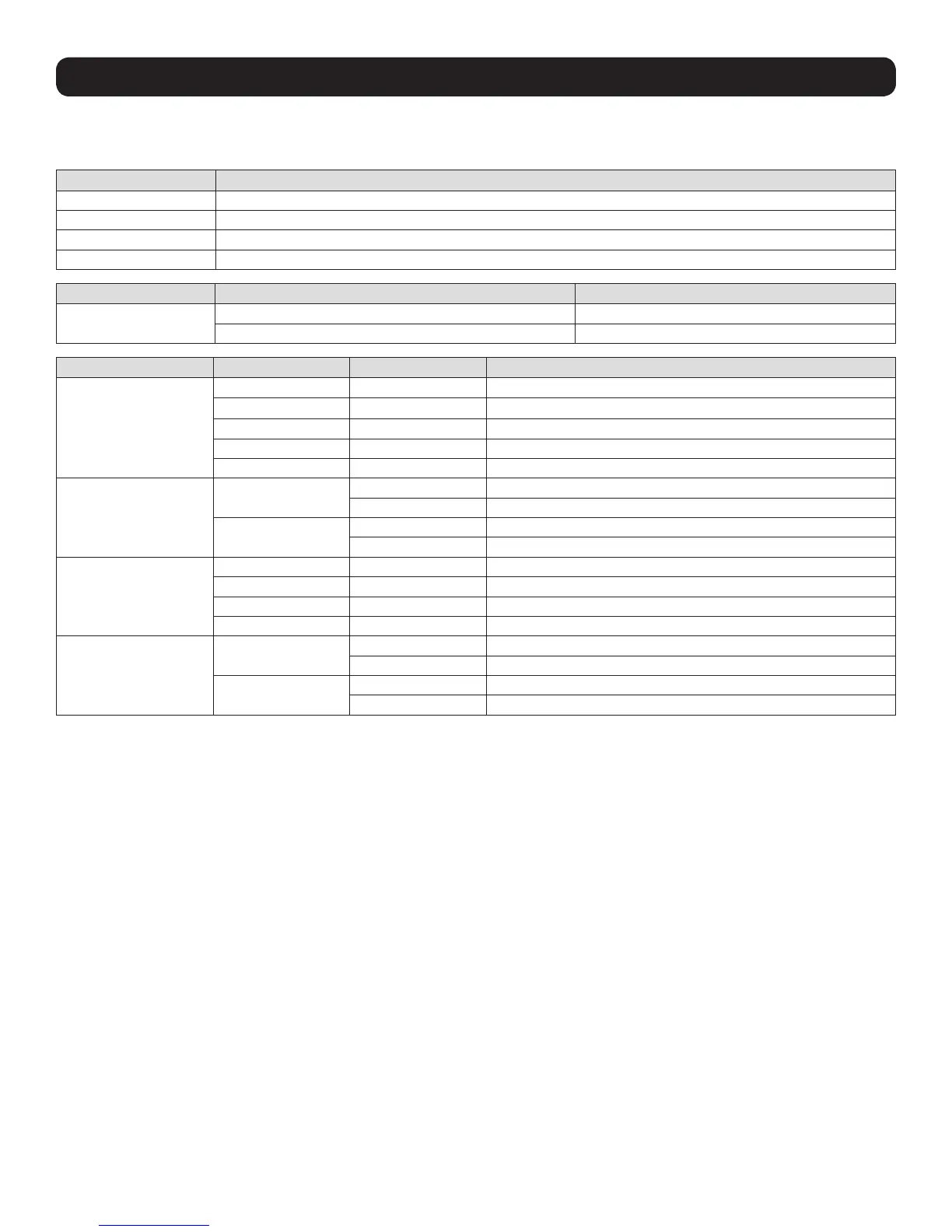
Configuration of RS-422/485 Port
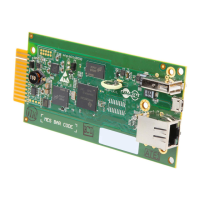
Use SW3 to configure the RS-422/485 interface.
Pin Function
1 Card D+ (T+)
2 Card D- (T-)
3 Card R+
4 Card R-
Switch Setting Function
SW4
RS-485 Enable RS-485
RS-422 Enable RS-422
Function Switch Value
Baud-Rate
SW3-1 SW3-2
OFF OFF 2400 (Default)
ON OFF 4800
OFF ON 9600
ON ON 19200
Parity Check
SW3-3
OFF Disable Parity Check (Default)
ON Enable Parity Check
SW3-4
OFF Even Parity (Default)
ON Odd Parity
Protocol
SW3-5 SW3-6
OFF OFF MODBUS Protocol (Default)
ON OFF Regular Protocol
OFF ON 3-Phase Protocol
Termination Resistor
SW3-7
OFF Disable RS-485/422 Termination Resistor (Default)
ON Enable RS-485/422 Termination Resistor
SW3-8
OFF Disable RS-422 Termination Resistor (Default)
ON Enable RS-422 Termination Resistor



 To Next Page