16
Wiring Power Input
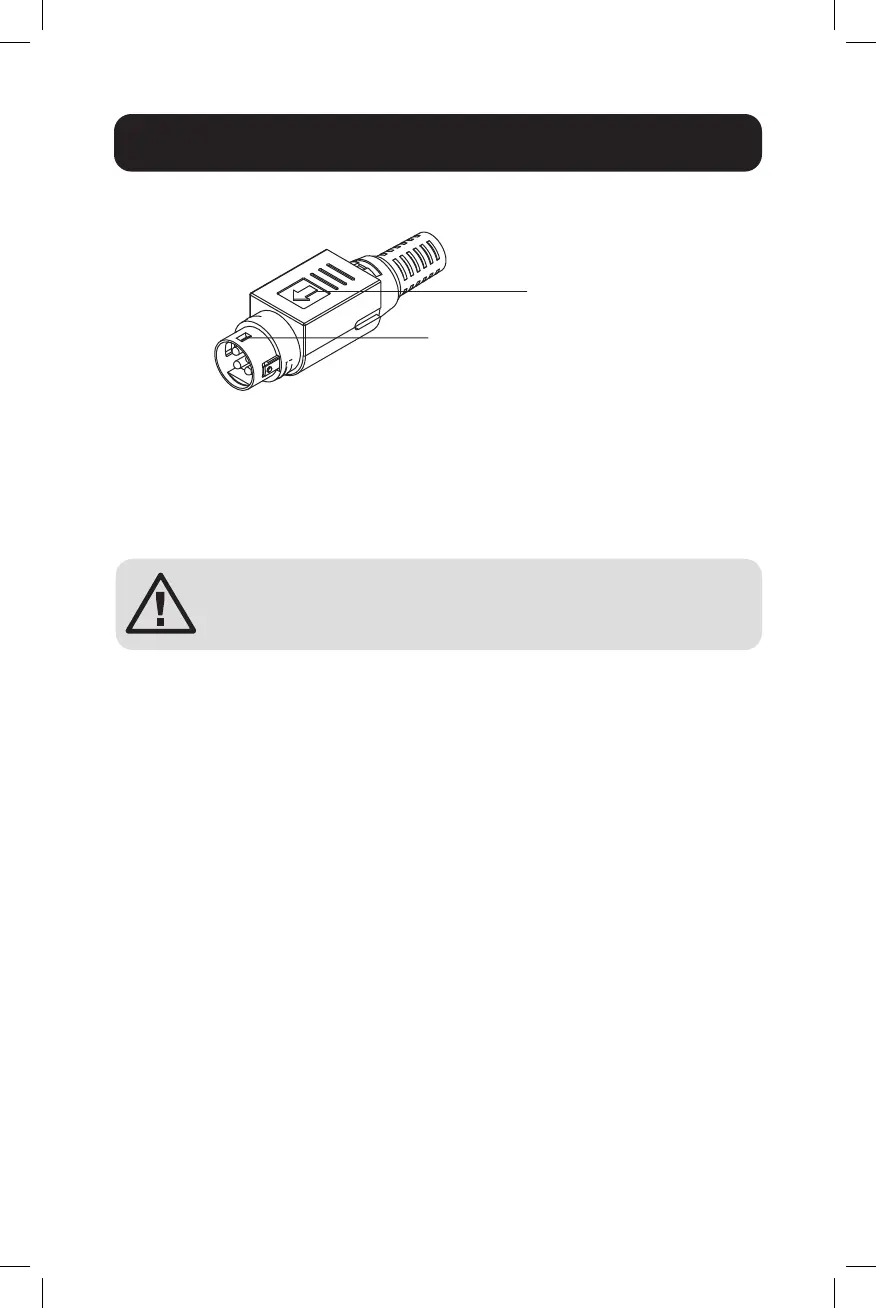
Connecting to the 4-Pin Mini DIN Connector
• Facetheatendtotherightsideoftheswitchandinsertintothe
female 4-pin receiver.
Note: Make sure the notch is securely inserted properly into female receiver.
• While removing, pull the connector upwards to release the lock and
take it out.
ATTENTION: Use a power supply rated for 24~48VDC.
The device power must be supplied by SELV circuit.
RJ45 Cabling
Connect one end of an Ethernet/RJ45 cable into the Ethernet port of the
switch and the other end to the attached networking device.
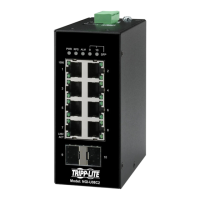
• Ports 1-4 of the switch support Fast Ethernet in addition to Gigabit
Ethernet 10/100/1000Base-T PSE Ports (NGI-U05POE4/
NGI-U05C2POE4 models only).
• Ports 1-8 of the switch support Fast Ethernet in addition to Gigabit
Ethernet 10/100/1000Base-T (NGI-U08C2/POE models only).
• Port 5 of the switch supports Fast Ethernet in addition Gigabit Ethernet
10/100/1000Base-T RJ45 Port (NGI-U05POE4/NGI-U05C2POE4
models only).
• Ports 6-7 of the NGI-U05C2POE4 support only Gigabit speed SFP
Slots.
• All RJ45 ports on the Gigabit Ethernet PoE+ and non-PoE switches
support Auto Negotiation and Auto MDI/MDI-X to eliminate the need for
crossover cabling.
Note: Category 5e cable, Cat6 or above should be used.
Flat end side
Notch





 To Next Page