EasyManua.ls Logo

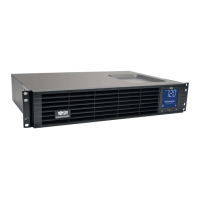
Tripp Lite SMART2200RM2UL - User Manual

Tripp Lite SMART2200RM2UL
60 pages
Print Icon
To Next Page IconTo Next Page
Loading...
1
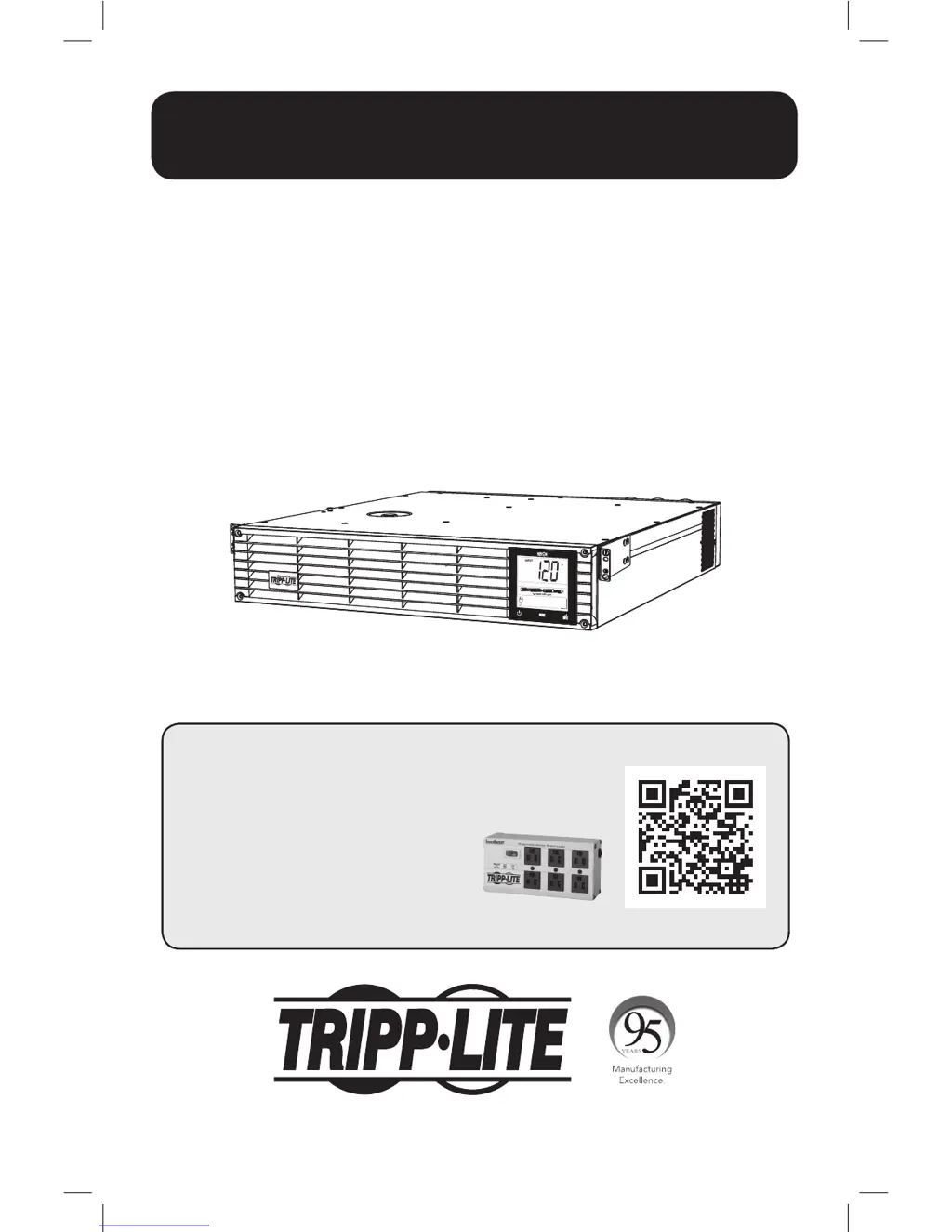
Owner’s Manual
1111 W. 35th Street, Chicago, IL 60609 USA • www.tripplite.com/support
Copyright © 2016 Tripp Lite. All rights reserved. SmartPro
®
is a registered trademark of Tripp Lite.
Español 21
Français 41
SmartPro
®
2U Rackmount
Intelligent, Line-Interactive UPS System
(with Lithium Iron Phosphate Battery)
120V Sine Wave Output • 2200VA Capacity
Model: SMART2200RM2UL
(Series Number: AG-0163)
Not suitable for mobile applications.
PROTECT YOUR INVESTMENT!
Register your product for quicker service
and ultimate peace of mind.
You could also win an
ISOBAR6ULTRA surge protector—
a $100 value!
www.tripplite.com/warranty
16-12-138-933440.indb 1 12/20/2016 2:18:03 PM

Questions and Answers

  • J
    Jorge DavisAug 3, 2025
    What to do if my Tripp Lite SMART2200RM2UL shows a Charger Fault?
    • L
      lisa51Aug 3, 2025
      If your Tripp Lite UPS displays a Charger Fault, first ensure the battery has been charging for a full 24 hours. If the issue continues, try restarting the UPS or resetting the fault by pressing the "Enter/Mute" button to return to normal operation. If the problem persists after these steps, further assistance from Tripp Lite may be needed.
  • C
    Carla AlexanderAug 10, 2025
    What to do if Tripp Lite SMART2200RM2UL displays Non-Critical Battery Protection Faults?
    • N
      Nicole BrownAug 10, 2025
      If your Tripp Lite UPS is showing Non-Critical Battery Protection Faults, it's likely due to the battery experiencing extreme conditions like overcurrent or over temperature. To resolve this, reduce the load on the UPS and allow it to return to room temperature. Then, recharge the battery for 24 hours. If the problem continues, restart the UPS.
  • M
    Mr. Sergio SmithAug 18, 2025
    What to do if Tripp Lite SMART2200RM2UL UPS displays Critical Battery Protection Fault?
    • J
      Julie HernandezAug 18, 2025
      If your Tripp Lite UPS indicates a Critical Battery Protection Fault, this suggests a component malfunction. Immediately turn off the UPS and contact Tripp Lite for assistance, as this condition requires examination by qualified Tripp Lite technicians.
  • F
    ftaylorAug 25, 2025
    How to fix communication lost with the Battery Management System (BMS) on Tripp Lite SMART2200RM2UL?
    • T
      Tyler MasonAug 26, 2025
      If you've lost communication with the Battery Management System (BMS) on your Tripp Lite UPS, check the wire connections between the UPS and the battery. If the problem continues after checking the connections, contact Tripp Lite for further assistance.

Summary

Important Safety Instructions

UPS Location Warnings

Warnings about where to install the UPS for optimal operation and safety.

UPS Connection Warnings

Warnings related to connecting the UPS to power sources and grounding.

Equipment Connection Warnings

Warnings regarding connecting equipment, especially for life support applications.

Battery Warnings

Safety precautions when handling UPS batteries, including disposal and short circuits.

Quick Installation

Mounting (Rack)

Mounting (Tower)

UPS Operating Modes

Line Power Mode

Describes the normal operating mode with regulated AC power and battery backup availability.

Battery Mode

Describes the mode when AC power fails and the UPS runs on battery power.

Basic Operation

LCD Interface and Controls

Overview of the LCD screen, buttons like ON/OFF, MODE, and ENTER/MUTE.

Troubleshooting

Communication lost with the Battery Management System (BMS)

Explains the E13 error code for communication loss with the BMS.

Storage and Service

Tripp Lite SMART2200RM2UL Specifications

General IconGeneral
TypeLine-Interactive
Output Power Capacity2200 VA / 1980 W
Nominal Output Voltage120V
Output Voltage Regulation (Line Mode)+/- 5%
Output Voltage Regulation (Battery Mode)+/- 5%
Nominal Input Voltage120V
Input Voltage Range83V - 145V
Waveform TypeSine Wave
Outlets8
Output ConnectionsNEMA 5-15R
Audible AlarmYes
Communication PortsUSB, DB9 Serial
DisplayLCD
Operating Temperature32°F to 104°F (0°C to 40°C)
Input Frequency50 / 60 Hz
Output Frequency50 / 60 Hz
Battery TypeSealed Lead Acid
Typical Recharge Time8 hours
Form FactorRackmount
Communication InterfaceUSB, Serial
Warranty2 years

Related product manuals