34
TRISAN S8 Communication
Communications
The instrument can communicate with the Download software. The following actions
are supported:
› Saved results can be uploaded and stored to a PC
› Save results can be uploaded after every test to a PC
There are two communication interfaces available on the instrument:
USB (computer) or RS232 (printer)
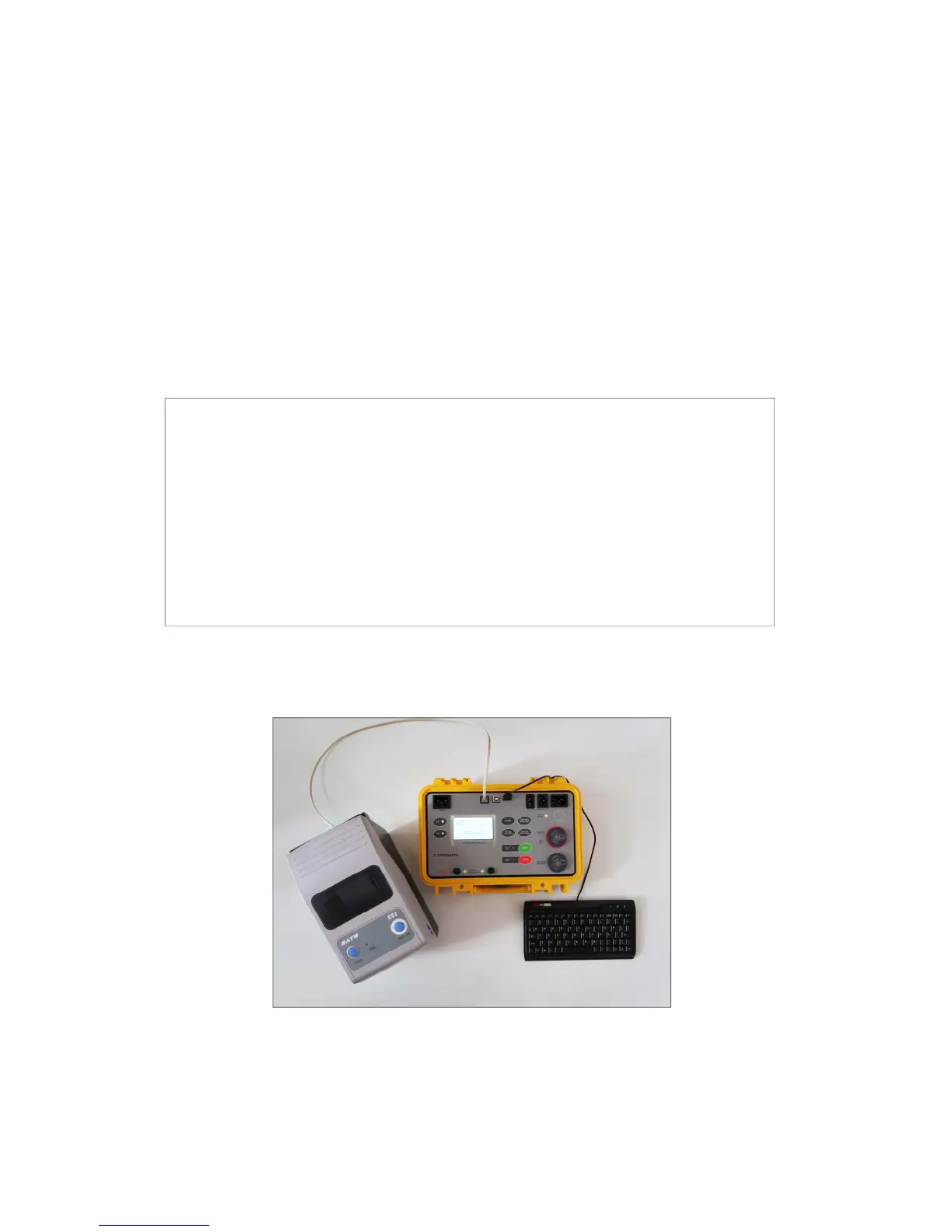
Printer and keyboard connection
› PS/2 serial communication cable for keyboard
› RS232 serial communication cable for printer
› USB communication: connect a PC USB port to the instrument USB
connector using the USB interface cable.
› Switch on the PC and the instrument.
› Run the TRISAN Download program on PC
› Set communication port and baud rate speed.
› The instrument is prepared to upload data to the PC.


 To Next Page