User Interface
17
Bluetooth Trays
Caution
If any warning messages are shown,
these warning messages must be
acknowledged before you can access
the
Bluetooth
trays and menus.
Always act on any warning message
shown. Identify the issue and address
it. If necessary, contact your Triumph
dealer for assistance.
Refer to the motorcycle owner's
handbook for more information on
warning messages.
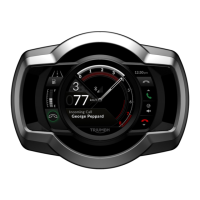
Pairing devices to the motorcycle
through the My Triumph Connectivity
Module introduces several new trays.
These are accessed using the joystick in
the same way as other trays. You can
select which trays are displayed using
the Visible Trays option on the Display
Setup menu.
Refer to the Owner’s Handbook for your
motorcycle for more information about
the use of trays to display information
and to show the effects of joystick
actions.
Note
Selecting fewer trays makes it easier for
you to navigate to the trays that you
use. However, the relevant trays must
be visible for you to see information
sent from connected devices through
the My Triumph Connectivity Module.
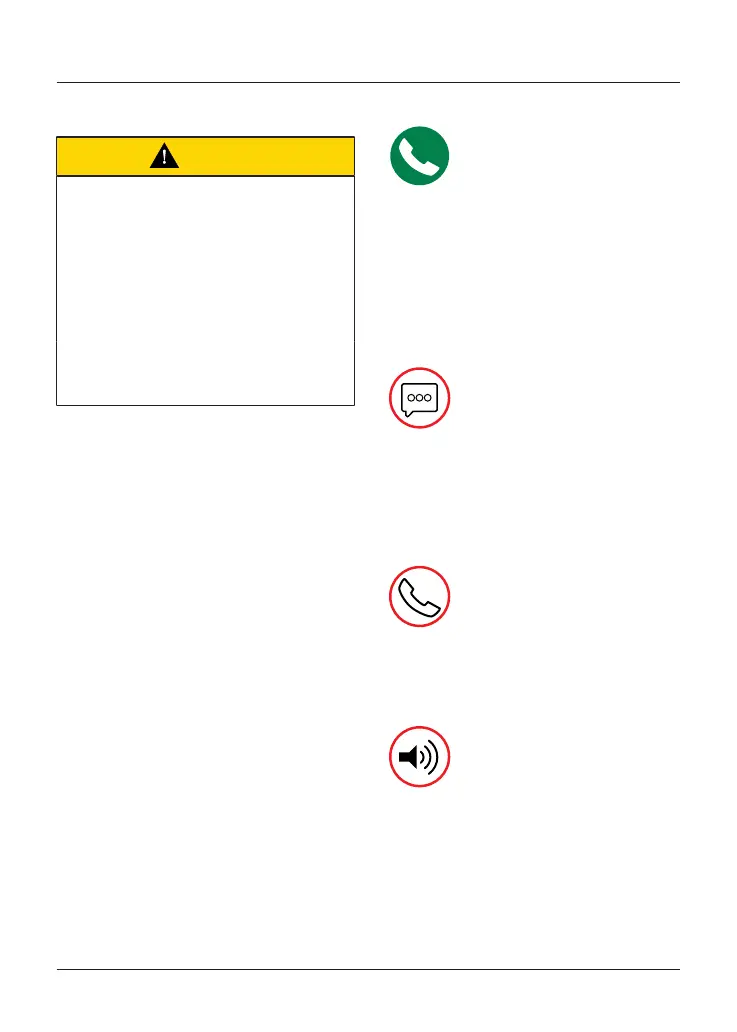
Call Status
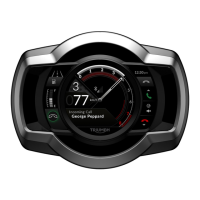
This tray shows details of the
current call on the connected phone,
including the caller’s number (or name if
recognised).
Hiding the Call Status tray disables
phone functions through the
instruments, although incoming calls
can still be answered using the headset.
Text (SMS) Messages
This tray shows incoming text
messages on the connected phone,
including the message sender’s number
(or name if recognised). It is available
only if a message has been received
while the phone has been connected.
Call History
This tray shows answered
calls saved on the connected phone,
including the caller’s number (or name if
recognised) and the time of the call.
Volume Control
This tray provides controls to
increase, decrease, mute and unmute
music volume (equivalent to the headset
controls). It does not affect other audio
outputs.


 To Next Page