Audio Playback
31
Audio Playback
Warning
Keep the audio volume to a moderate
level.
Loud music can be distracting and
increase the time taken to react to
hazards.
It can also prevent you hearing other
sounds, such as sirens on emergency
vehicles.
You can listen to music, or any other
audio media, from the connected phone
through the headset(s).
You select the media to be played on
the phone, using your preferred media
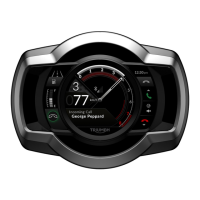
player. The instruments show the artist
name and track title, and provide
controls for play/pause and track
control.
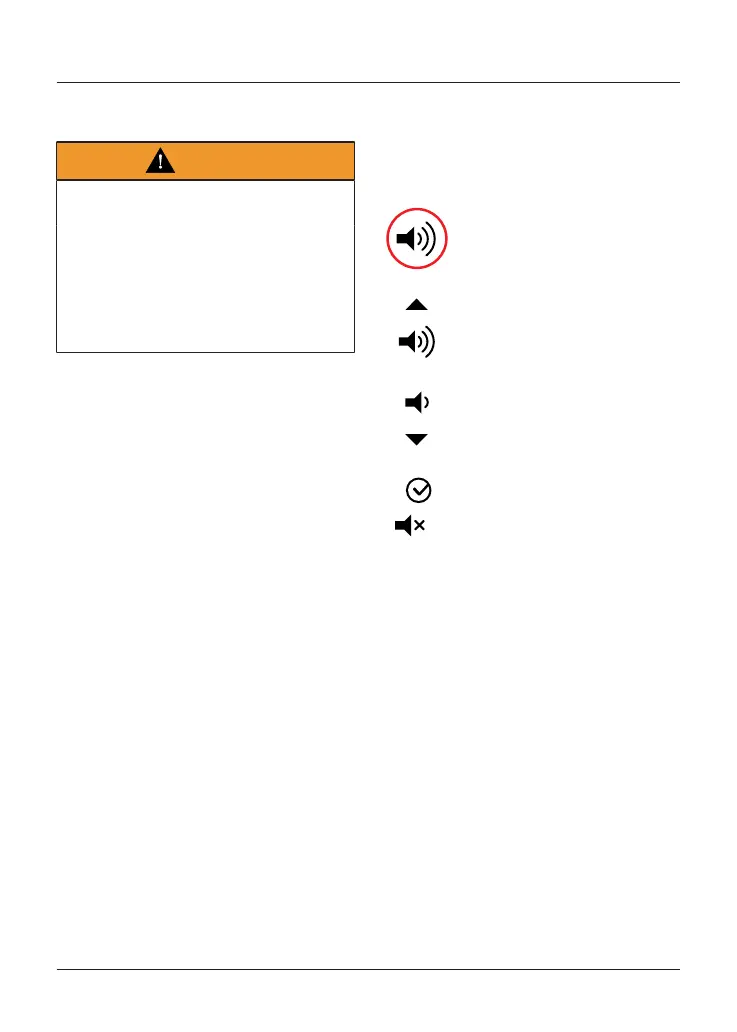
Adjusting the Volume
To control the music volume:
Joystick left or right to select
the Volume tray.
Joystick up to increase the
volume.
Hold this position to
continue to increase the
volume.
Joystick down to decrease
the volume.
Joystick centre to mute and
unmute the volume.
Hold this position to
continue to decrease the
volume.
Note
When a higher priority notification
comes in, such as an error warning or a
direction, it cancels the effect of a long
push on the joystick to increase or
decrease volume (see page13).


 To Next Page