GoPro Camera
33
GoPro Camera
The My Triumph Connectivity Module
enables you to connect a GoPro camera
to your motorcycle. This enables you to
control the camera using the joystick.
You can change mode, take a
photograph, start and stop recording,
and turn the camera on and off.
For information about the features of
the GoPro camera, refer to the
manufacturer’s user manual.
Note
You do not need the GoPro App to use
the GoPro camera through the
instruments.
Controlling the GoPro Camera
To control the GoPro camera:
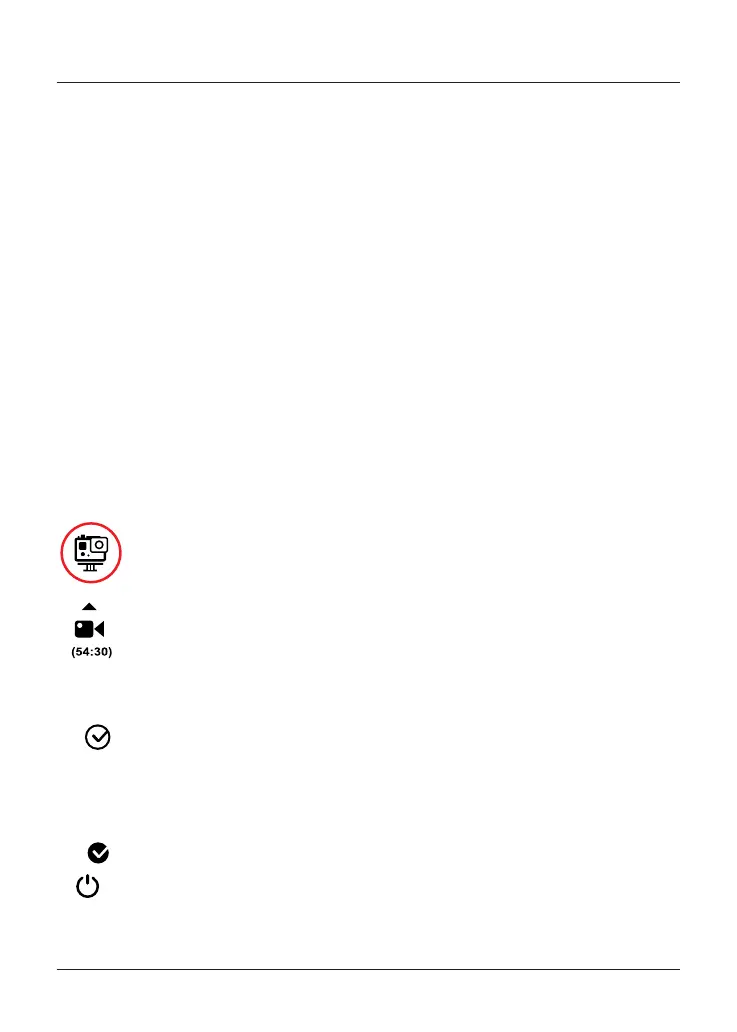
Select the GoPro tray.
Joystick up to start/stop
recording or to take a
photograph, depending on
the selected mode.
Joystick centre (short push)
to step through the camera
modes:
• Photo
• Burst
• Video
• Time Lapse
Joystick centre (long push)
to turn the camera on and
off.
Note
Joystick down has no effect.
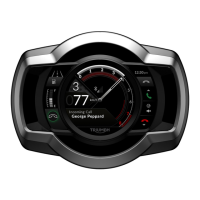
The instruments show the memory that
remains available, as a recording time (in
video modes) or a number of
photographs (in photo modes). When
you stop recording, the instruments
show the duration of the recording. If
the camera has insufficient memory
available to record, it stops recording
automatically.
Note
While the GoPro camera is recording,
joystick centre (long or short) has no
effect. You must stop recording before
you can turn the camera off or change
the camera mode.


 To Next Page