8.20 FAV List
1. FAV List is a list of 8 groups of channels which
can be managed by Favorite Manager.
2. During watching TV channel, press
FAV
button. In the right upper corner appear icon
present active FAV list.
3. By pressing
FAV button next FAV list will be
activated.
Frequently Asked Questions
Question: Why on the screen appear information
“No FAV List”, when I press
FAV button?
Answer: Any channel was assigned to FAV list, you
should add a channel to a favorite group at least.
8.21 SLEEP
To set sleep timer or change the sleep timer use
SLEEP buttons on remote control, the .The unit is
minute.
8.22 Previously watching channel
Press the button RECALL on remote control to
back on last watching channel.
8.23 Audio channel
1. When receiver is in full screen mode, press button
AUDIO button to display audio channel
window.
2. You can change sound mode to Stereo/Left
channel/Right channel.
To leave Find function window press EXIT or
MENU .
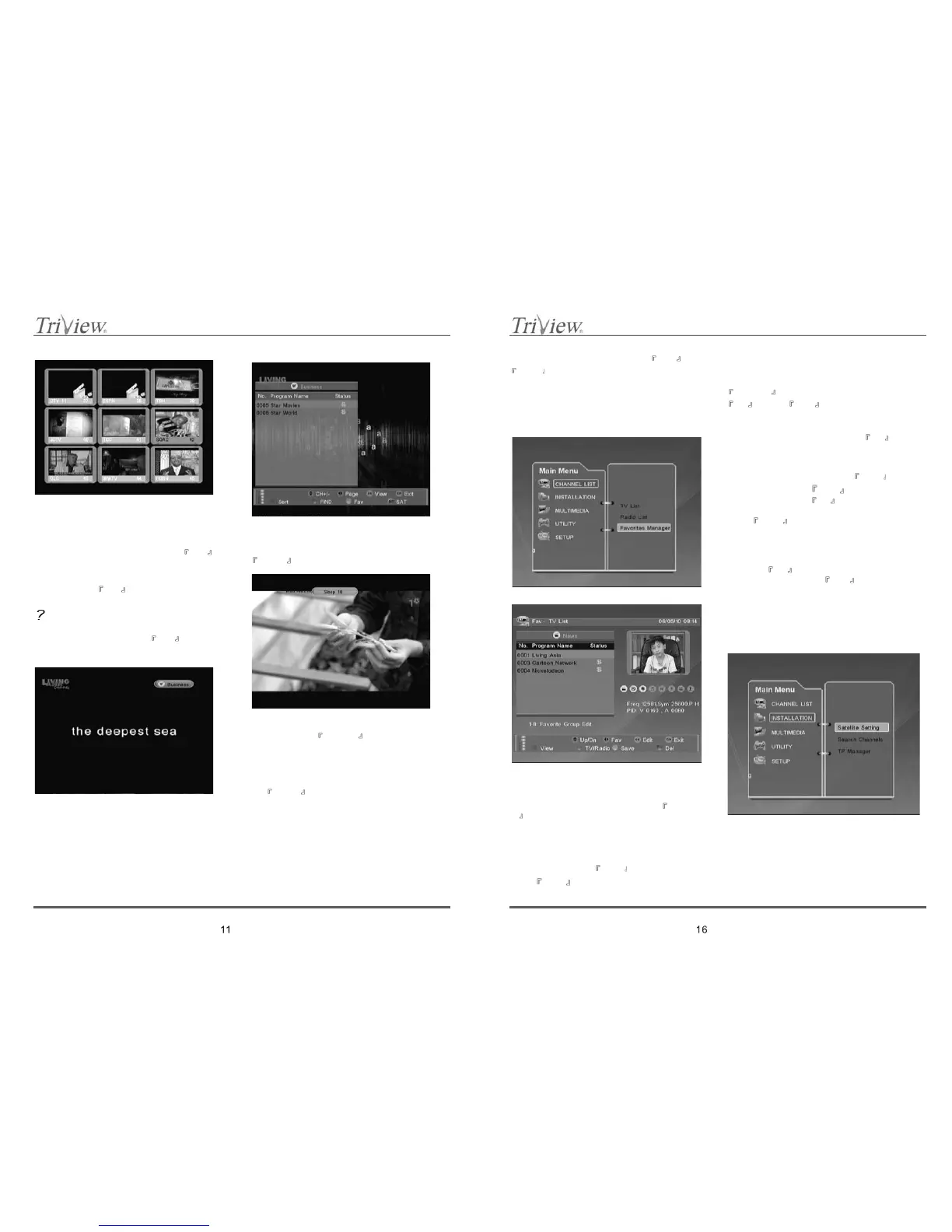
10.2 Favorite Manager
Receiver have 8 favorite channel lists signed as
FAV1 – FAV8, to which selected channels can be
assigned from the total channel list stored in
receivers memory.
Favorite Manager allow to manage previously
prepared Favorite lists by deleting channels from
lists and edit names of FV lists. Press
GREEN
special button to switch between TV/Radio
channel list.
1. Delete channels
To delete channels from certain FAV list, Choose the
Favorite list, then use
▲, to find channel and
press BLUE special button to sect it. Channels
selected to delete will have red mark next to channel
name. Repeat all steps to select all not wanted
channels.
To delete selected channels from the list press
YELLOW special button and confirm choice by
OK .Press EXIT to leave function menu
without deleting selected channels.
2. Edit Favorite list name (description)
To display edit name window, press
OK button.
New window will be shared on two columns; left
column present FAV1 – FAV8 lists, right
names/descriptions of these lists.
To change name/description use
▲, to select
certain group and the
◄,► to switch between
default names. Press
OK to confirm.
To enter your own name/description select group and
press
BLUE special button - edition window with
screen keyboard will be displayed (see 10.1 Edit
function).
When new name/description will be ready choose
“OK” button on displayed keyboard and confirm
choice by
OK button. To leave screen keyboard
without any changes use
EXIT .
11. INSTALLATION
Menu sheet “Installation” has four options; Satellite
Setting, Search Channels, TP Manager.
11.1 Satellite Setting



 To Next Page