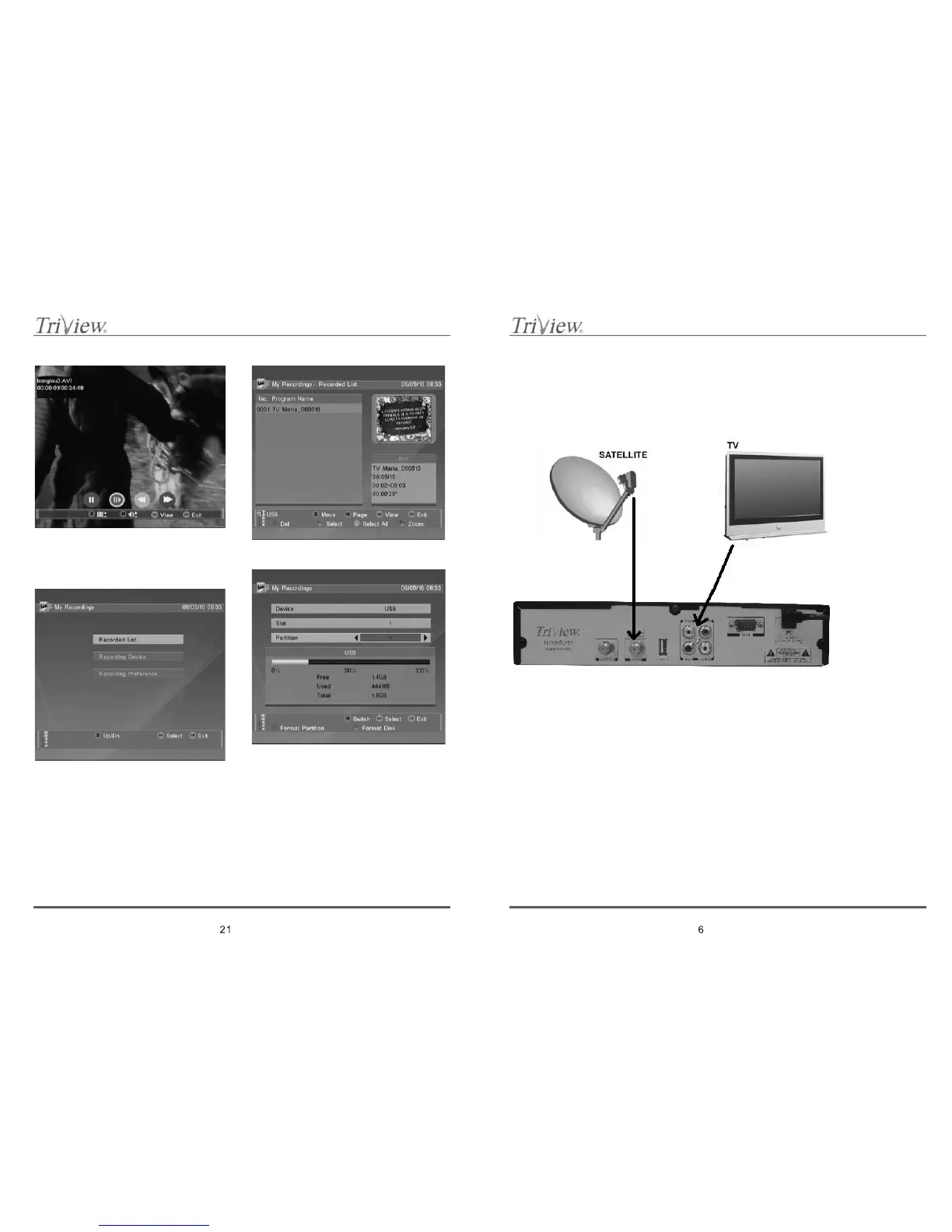
12.4 My Recordings
Choose this option to change your receiver and
connected into Recorded list , change recording
preference.
Recording List Page:
Recording Device Page:
Recording Preference Page:
7. HOW TO CONNECT YOUR STB
We offer you the way of connecting the STB to your TV. Consult your local supplier for assistance in
setting-up your system that is best suited to your requirements.
7.1 Connecting to TV using RCA Connector
7.2 TV with Motorized System (DiSEqC 1.2)
WhenyouplantouseinyoursatellitesystemDiSEqC1.2motoryouneedtohavetwoconcentric
cables with type F connectors on both ends. First cable use to connect LNB unit with DiSEqC motor,
next use to connect DiSEqC motor with receiver.
All our receiver are compatible with DISEqC 1.0 and DISEqC 1.2. To receive from one satellite dish
signals from two or more satellites use system with few LNB units (separate LNB unit for each
satellite) and 2/1 or 4/1 DiSEqC switch. To reduce connection cable length and reduce total cost use
outer switch.
To adjust system chooses LNB type in Satellite Setting menu. Then set LNB unit to receive signal of
the best quality. Further use standard channel searching.
CAUTION: To increase you satellite system for extra LNB units you need to have satellite dish
larger than 0.8 m.



 To Next Page