Your First Ride...
Please press the RED or GREEN
console button to view the main
menu.
With GUEST highlighted,
press the GREEN button and
select Quick Start for your first
Xdream experience
page 17 page 18
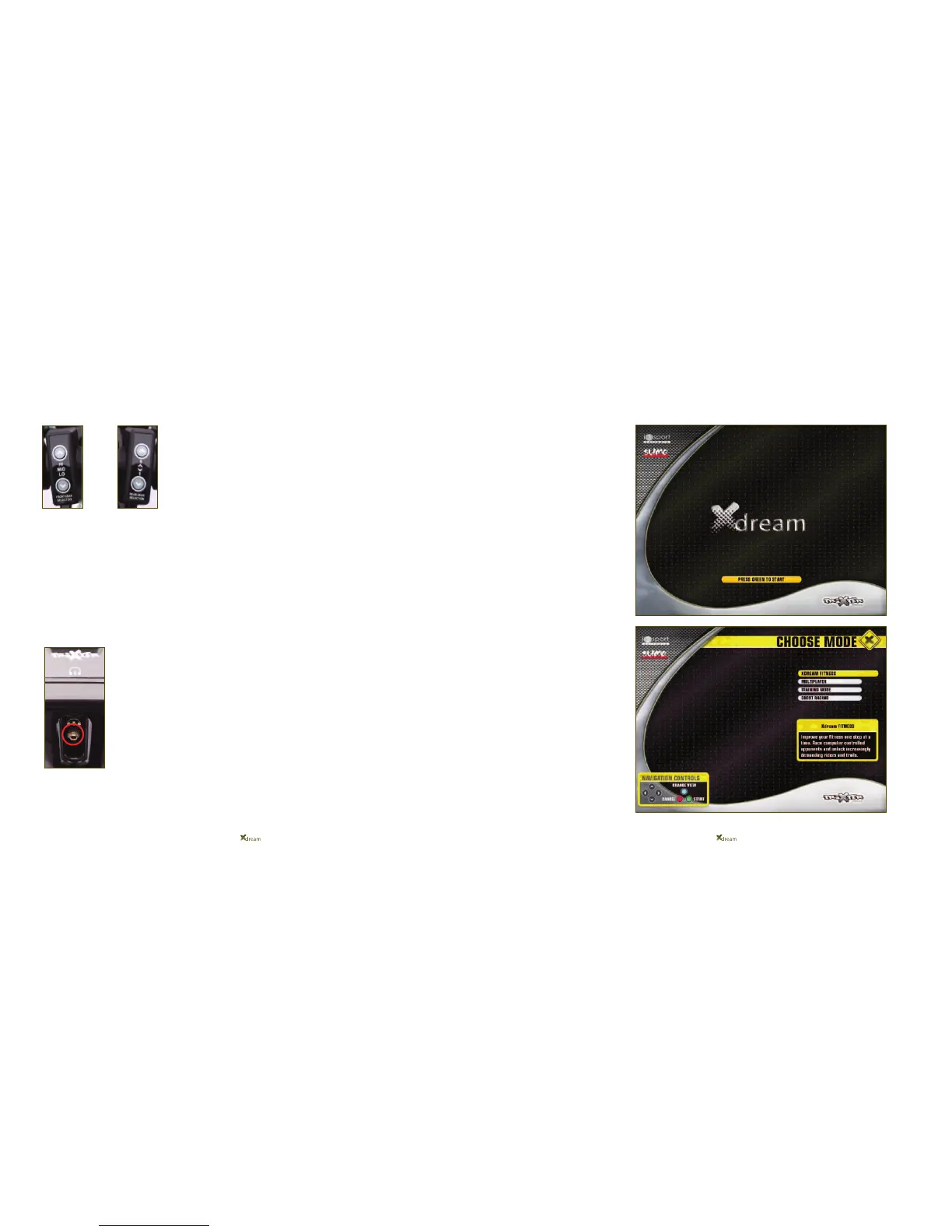
The gear shifter pods on the left and right handlebars replicate the gear shifter
system as on a normal bike.
As with a normal bike, the left gear shifter pod is your front derailleur allowing
movement between the High, Mid, Low chainring.
The right gear shifter pod is your rear derailleur allowing movement between gears
levels 1-9 within a certain chainrings.
DO NOT WORRY if this sounds too complicated as the Xdream is defaulted to auto-
matically generate your gears for you initially unless you instruct it otherwise so fear not!
If you wish to plug headphones directly into the Xdream, a
Headphone socket is located slightly higher than the top of the
handlebar post, as highlighted by the headphone icon above it.


 To Next Page