page 43 page 44
How to Join a Race
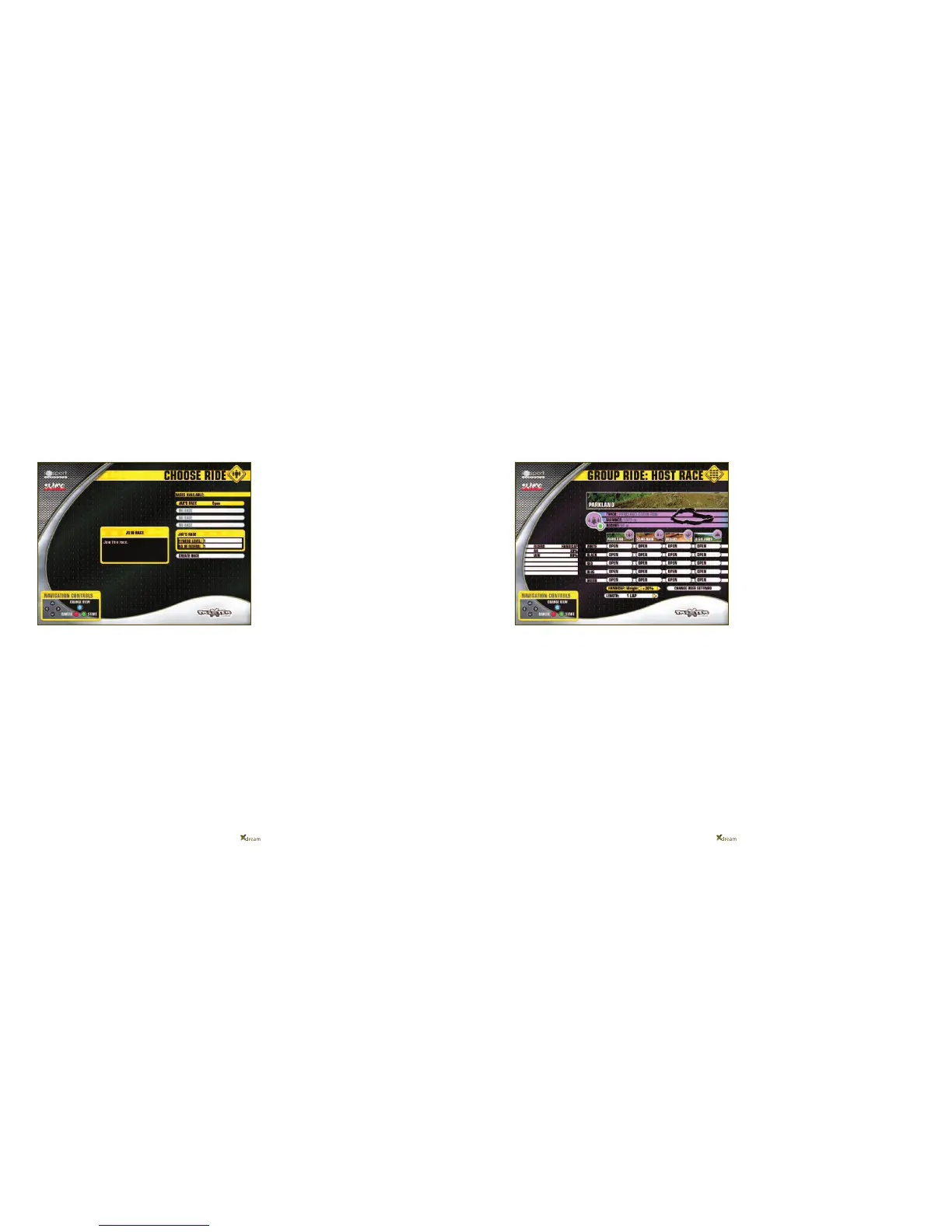
All you need do to join a race is highlight the race that
you wish to join in the RACES AVAILABLE list that you
can see below.
Once you have highlighted the race, press the GREEN
button. You will now see the Trail Matrix of the RACE
HOST and your username will now appear in the
RIDERS IN RACE list on the left of the trail matrix.
You can LEAVE any race BEFORE it starts by
highlighting the LEAVE RACE button underneath the
RIDERS IN RACE list and then pressing the GREEN
button.
You are able to make changes to User Settings, as
long as you have logged in with a username, when
you are joining a race in MULTIPLAYER MODE too.
The race will NOT START unless the RACE HOST
starts the race so the RACE HOST is in control
of when the race will begin.
Race Handicap
You have the ability to set yourself a HANDICAP for a
race.
You may wish to do this if you are racing against an
inexperienced rider or a less fit person for example.
Or you may ask that another rider in a race gives
themselves a handicap if they are far more
experienced than everyone else in the race.
Handicapping attempts to even out any big advantages
that a rider may have so that the race is a fair and
enjoyable one for everyone.
The handicap works by increasing the user’s
weight that they entered into their user profile, by
10% per increment of handicap.
A rider’s weight can be increased between 10-100% and
you are able to see which riders have, or have not, given
themselves a Handicap by looking in the Handicap
column in the Rider in Race List, to the left of the trail
matrix.



 To Next Page