06
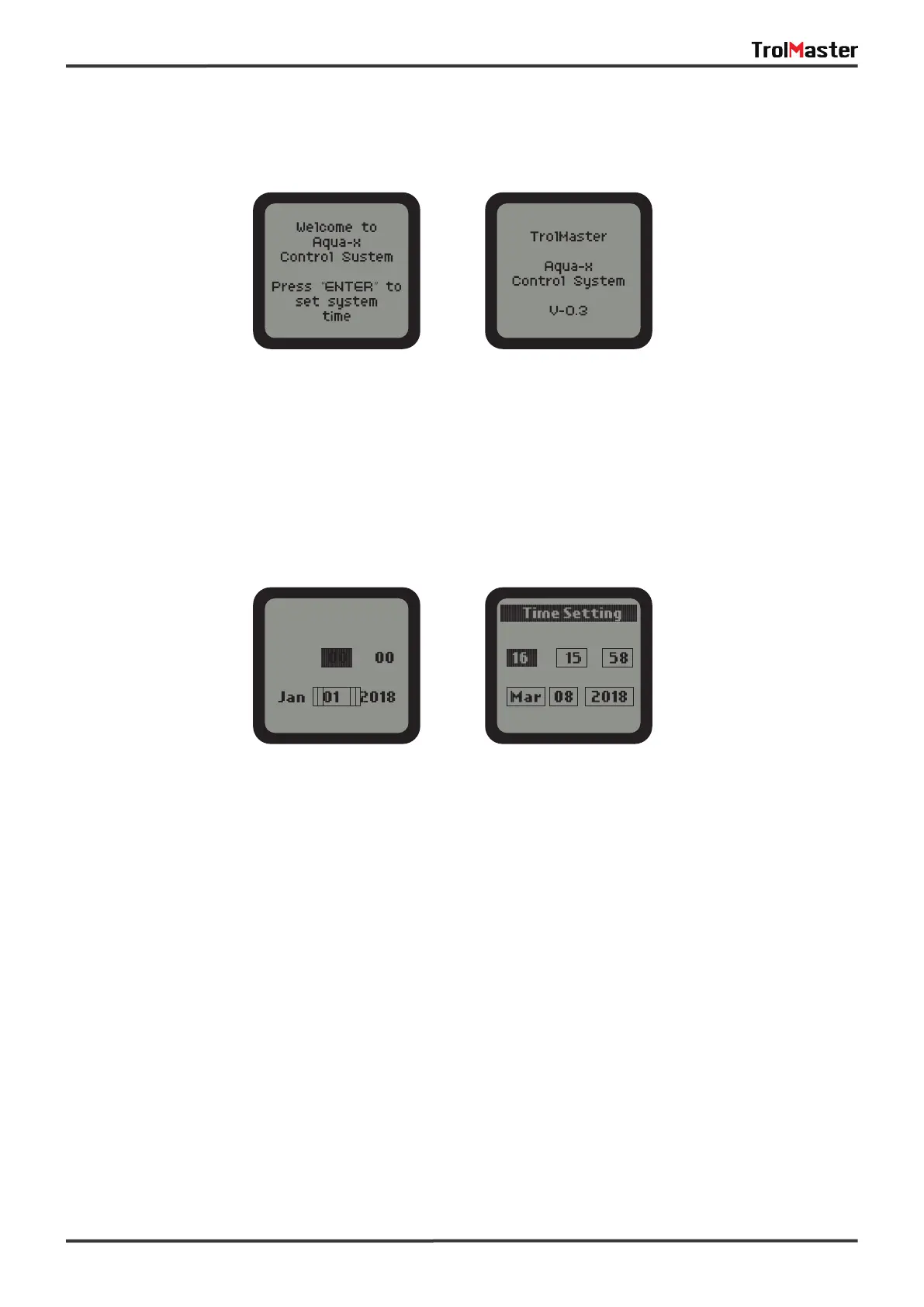
If it is the first time you use the NFS-1 Controller, when you power on the NFS-1 Controller, the Welcome
screen / page will display and remind user to press “ENTER” to set system time.
NOTE: Press the ENTER button to set system time before use.
Time Setting: please refer to P14 for the time setting so as to change the default time into the current time
before use.
First-Use Welcome Page Normal Start Page
Default Time Current Time (Example)



 To Next Page