09
On the Main Menu page or Alarm Message page, press ENTER button to get access to the SETTlNG
page. The LCD screen will display 4 subjects (110V Board, 24V Board , Alarm Setting and System Setting) as
shown on above picture. You can press the respective button (UP/DOWN/LEFT/RIGHT) to select the subject
that you want to adjust the setting.
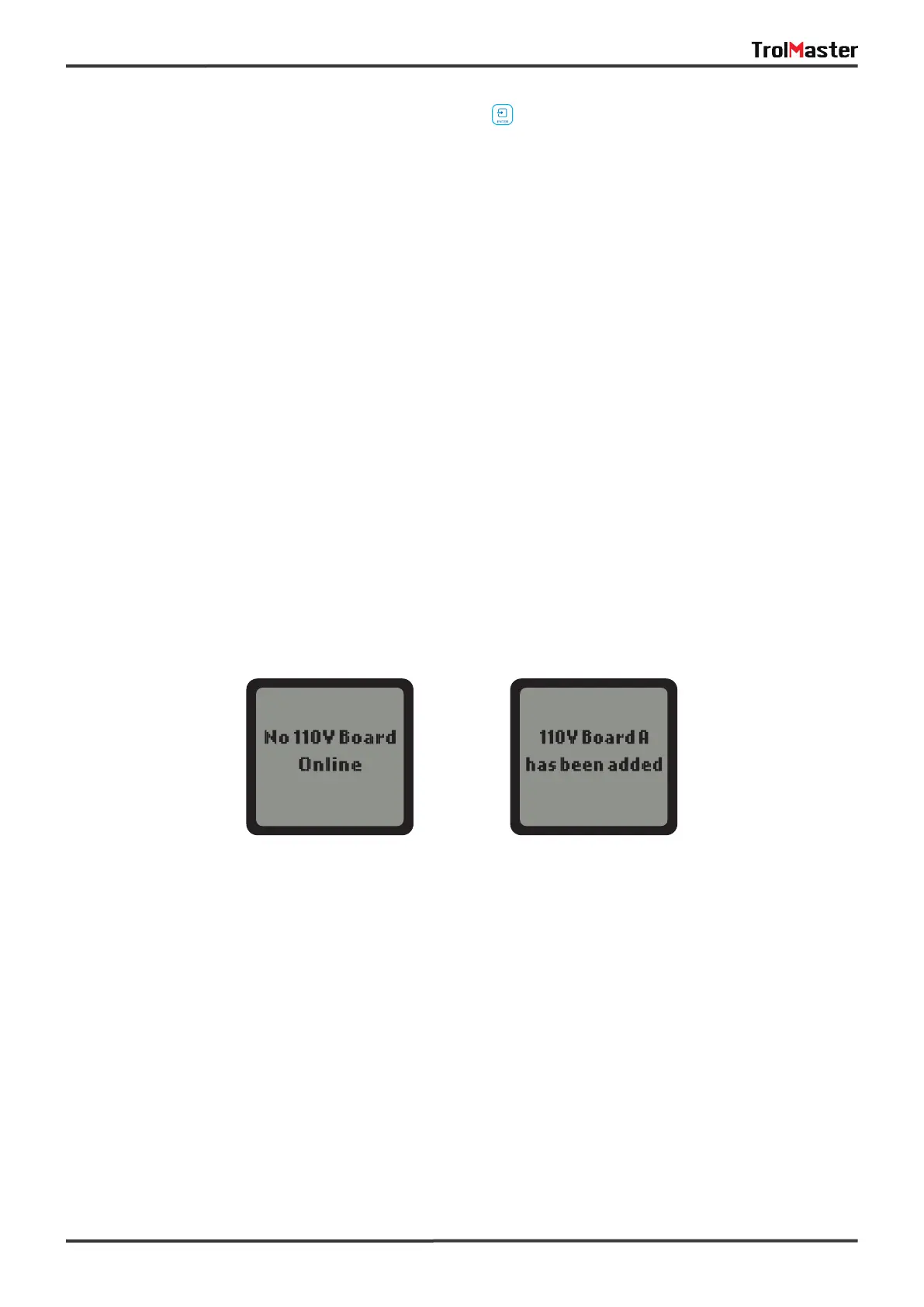
When the RJ12 cable is not correctly connected to the corresponding 110V CONTROL port or the 110V
Control Board is not connected tothe power supply, the LCD screen will show “No 110V Board Online”.
Please make sure the RJ12 cable is correctly connected and power on the 110V Control Board. After
power-on, the Addressing LED indicator will keep flashing every second. Then press the ADDRESSING
button on the 110V Control Board, the LCD screen will display “110V Board A has been added". The first
connected Control Board will be marked as “A”, and the second one marked as “B", the third as “C", and so on.
On the SETTING page, press ENTER button to enter the 110V Control Board list page. The connected Control
Board(s) will be shown page to page. User can press RlGHT button to select the 110V Control Board (A, B,
C...) to change setting.
When the Control Board is selected, press ENTER button and the 1st output will be highlighted and blinking.
Press LEFT, RIGHT, UP or DOWN button to select the output such as 110V A1. Press ENTER button to
confirm and enter the SETTlNG page of that output.
110V BOARD SETTING
Wrong Connection Correct Connection



 To Next Page