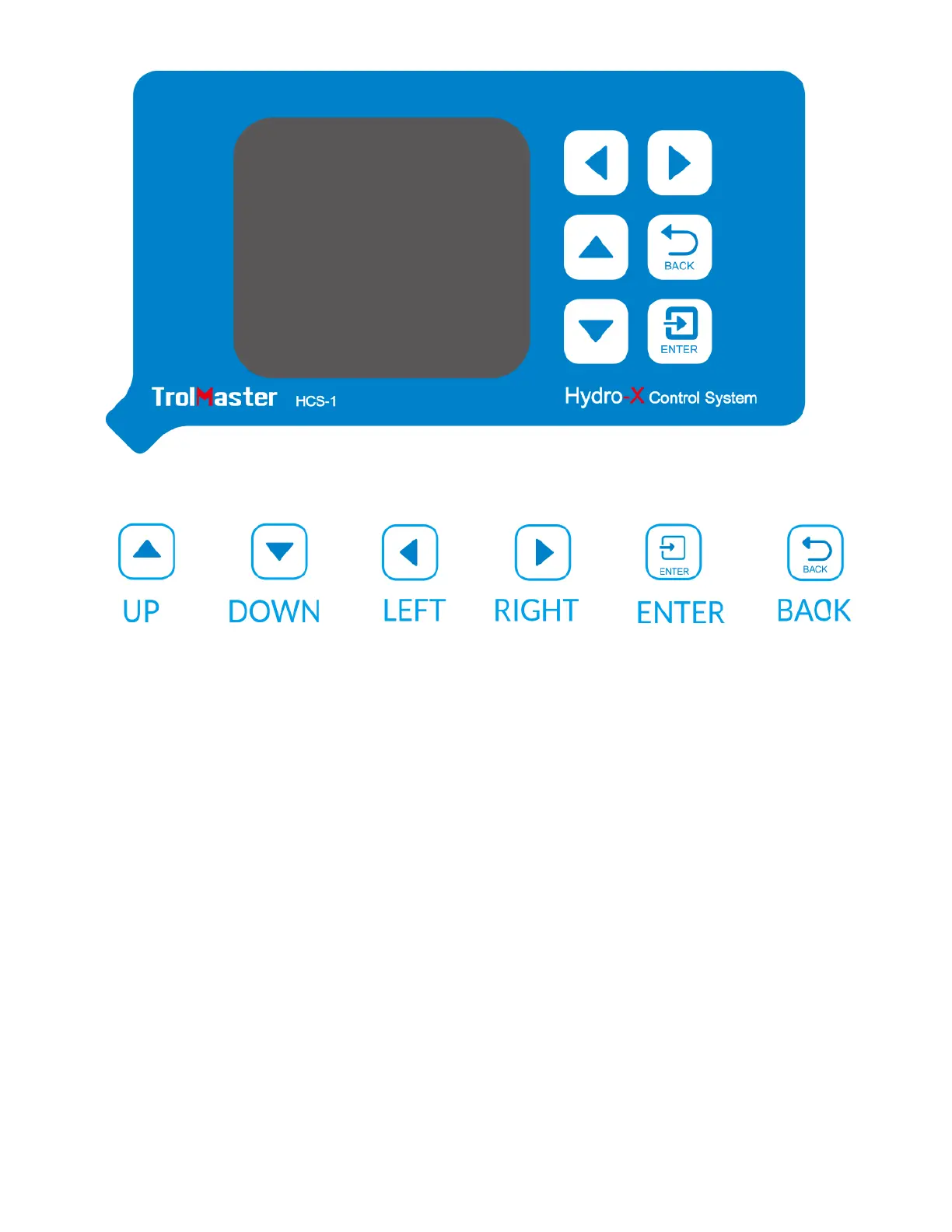
Familiarize yourself with the function of the 6 buttons on the front of the HCS-1
Hydro-X Control System in order to able to access settings, and to better
understand how to use the HCS-1 Hydro-X Control System to its greatest
potential.
START SETTINGS
Once you have connected all devices, sensors and fixtures to the HCS-1 Hydro-
X Control System, we can start using the unit.
Connect the plug-in power supply to the power connector on the bottom of
theHCS-1 Hydro-X Control System. HCS-1 Hydro-X Control System will turn on
and boot up.
If it is the first time you have used the HCS-1 Hydro-X Control System, when



 To Next Page