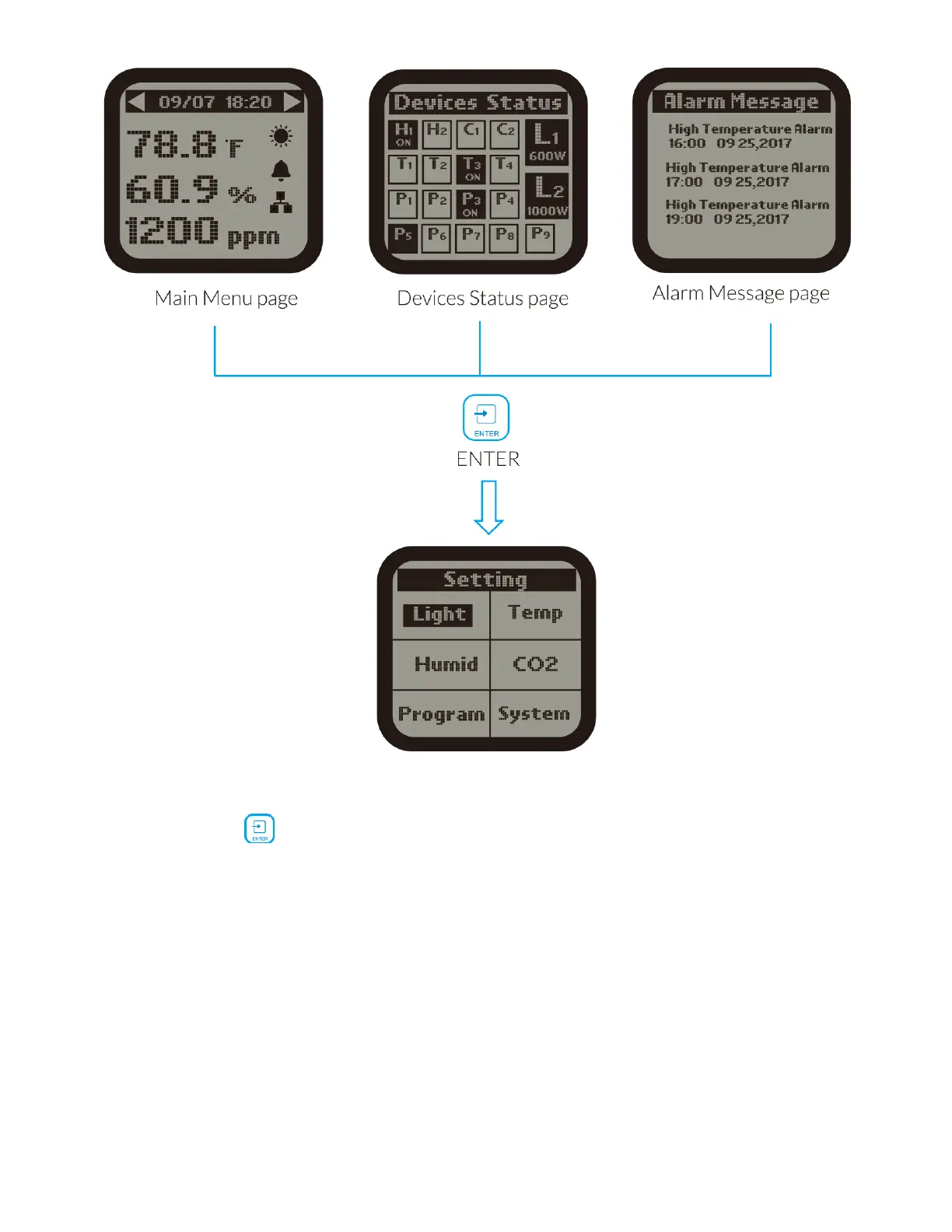
On the Main Menu page, Device Status page or Alarm Message page, press
ENTER button to get access to the SETTING page. The LCD screen will
display 6 subjects ( Light / Temp / Humid / CO2 / Program / System) as shown
on the picture. You can move the cursor (UP / DOWN / LEFT / RIGHT) to select
each subject you want to make setting.
LIGHTING SETTINGS



 To Next Page