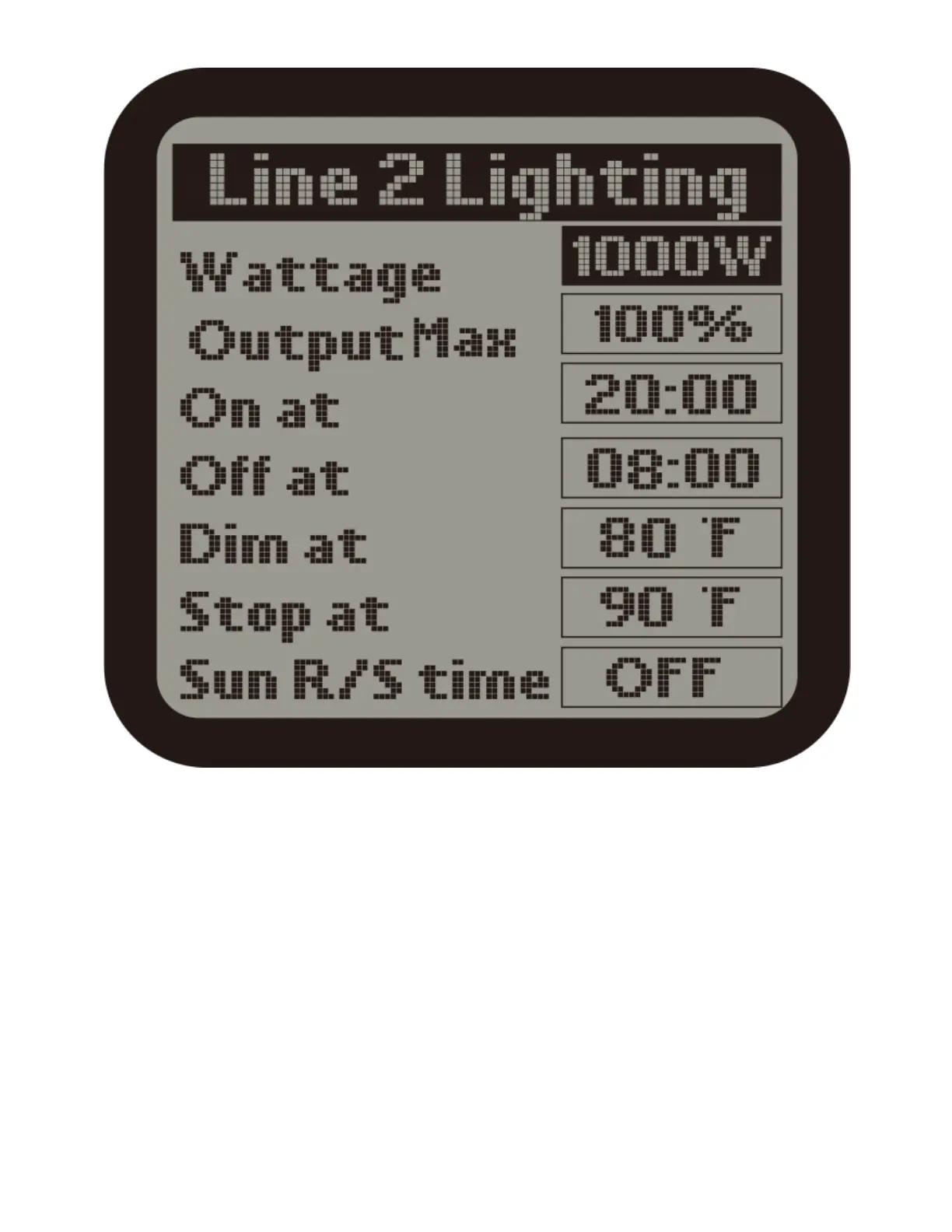
Dim at : Select the temperature you want the lights within each line to dim.
Stop at : The max temperature that the growing area can get to before shutting
down the lights. Normally, set at least 5oF up to 10 degrees F above the "Dim
at" setting.
Sun R/S time : simulate Sunrise and Sunset by slowly raising and lowering the
lighting level ( brightness). User can select from 0 minite(off) to 30 minutes in 5-
minute increments for the Sunrise / Sunset feature.
3 ) The lighiting configurations of Line 2 is same as the setting of Line 1.
TEMPERATURE SETTINGS



 To Next Page