warning message to your smartphone
The setting procedure of other Temp Device Station is same as above
HUMIDITY SETTINGS
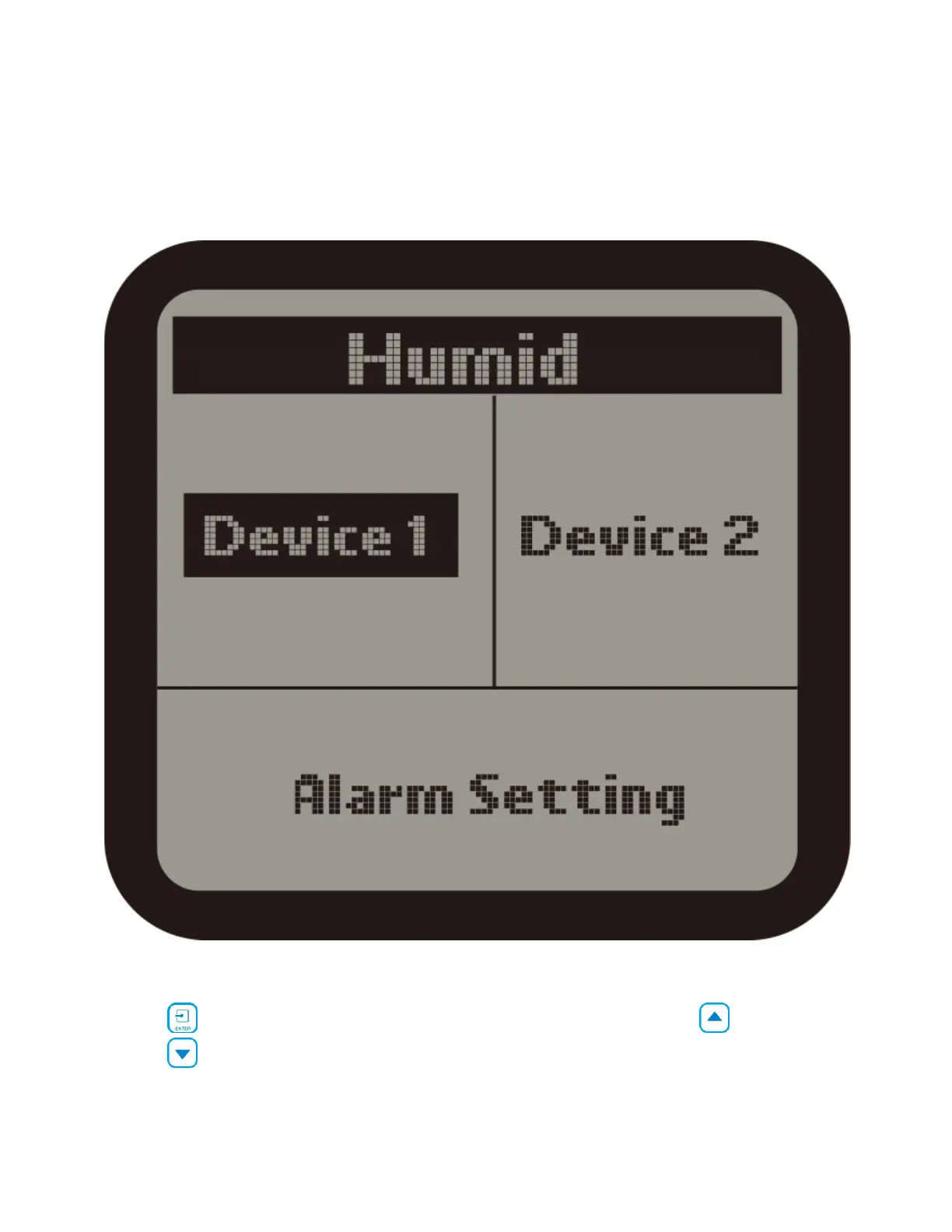
1 ). On the Setting page, select the Humid subject and then press ENTER
button to access the Humid setting page. Use the Up button or Down
button to select the Device 1 or Device 2 or Alarm Setting.



 To Next Page