NOTE : if the total cycle time exceeds 24 hours, the maximum cycle times will
be reduced automatically.
SYSTEM SETTINGS
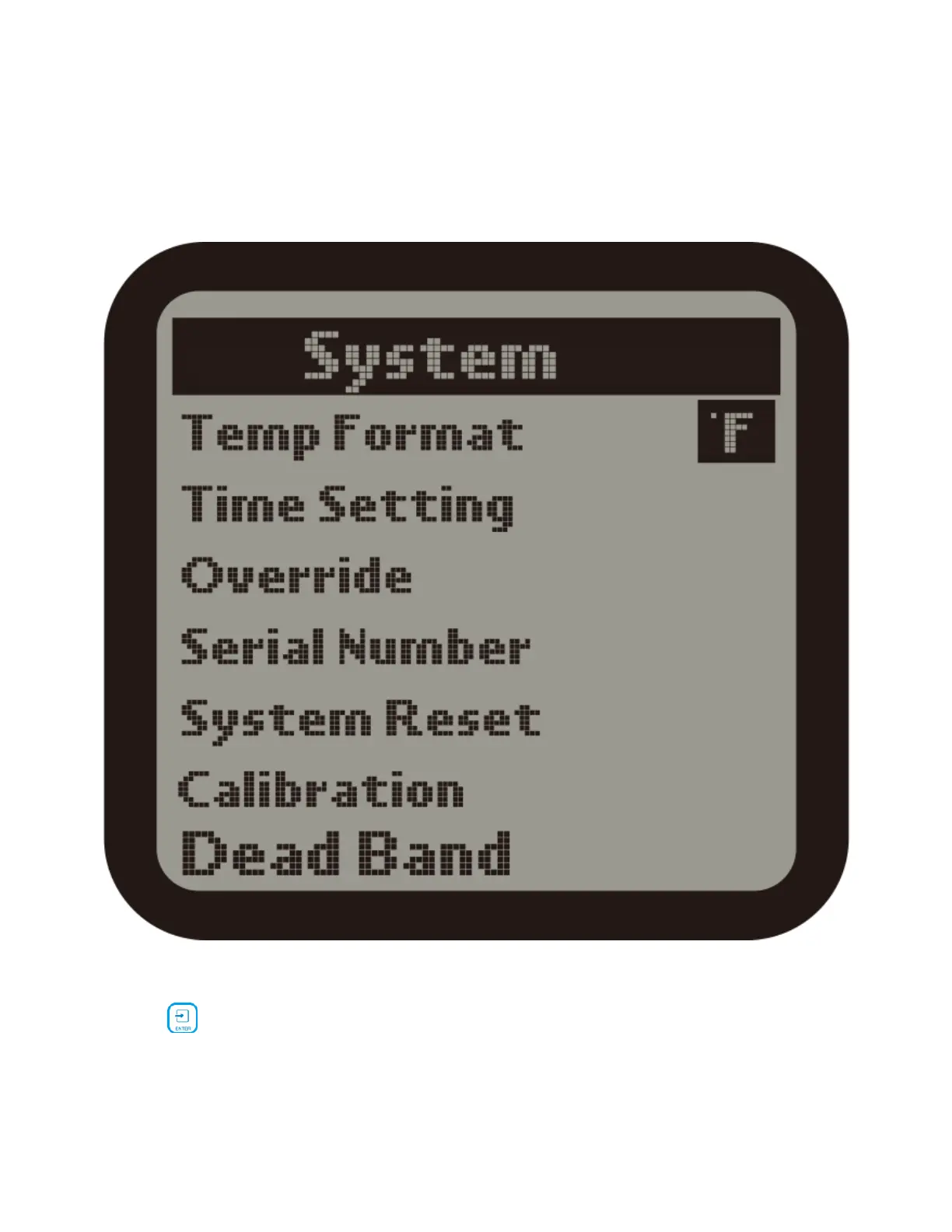
1 ).On the Setting page, select the System subject and then press ENTER
button to confirm your selection . There are 6 subjects:
Temp Format : Select whether to display F or C for temperature measurements.
Time Setting : Enter the time setting page.
Override : Enter the Override page.
Serial Number : Show the device serial number.



 To Next Page