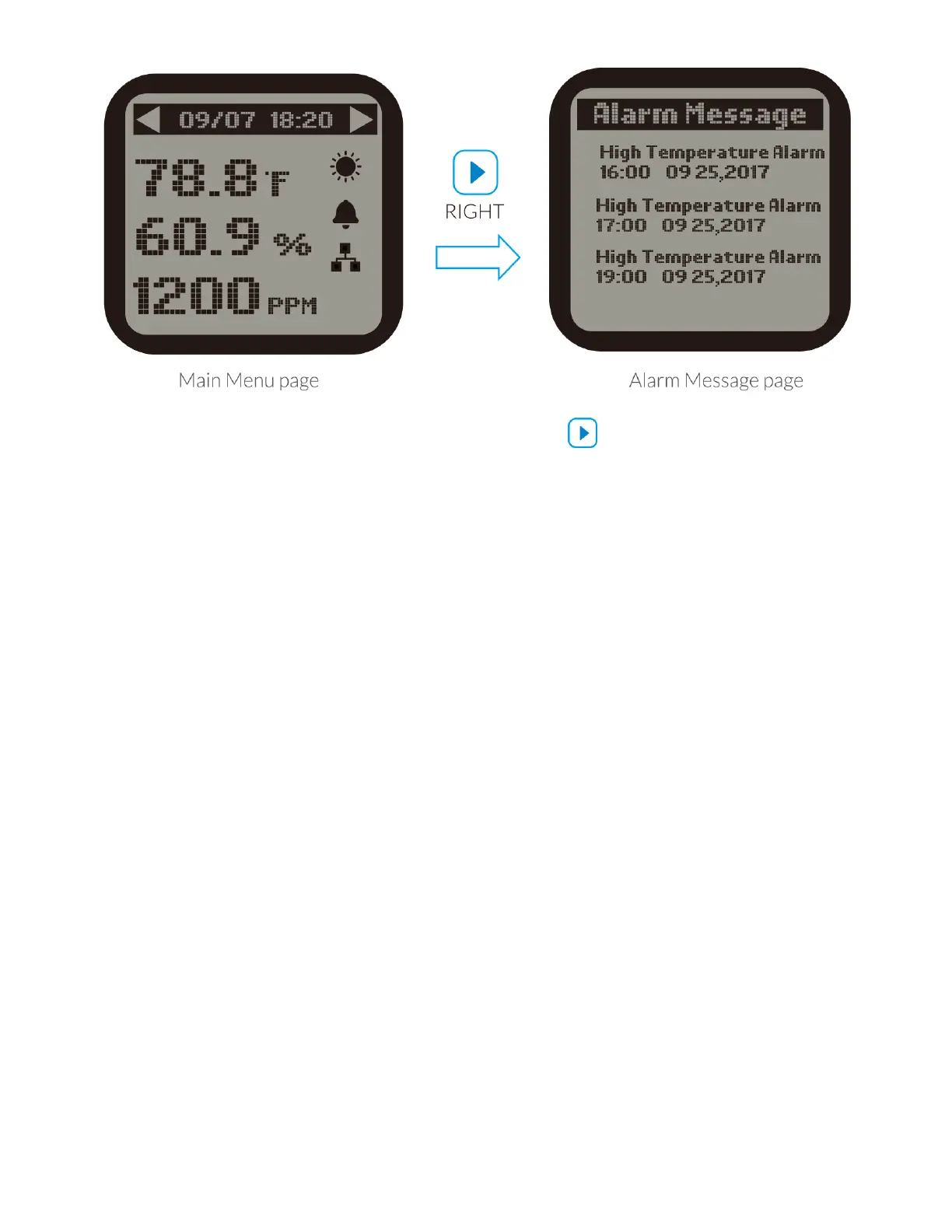
3 ). On the Main Menu page, press RIGHT button to get access to Alarm
Message page. The LCD screen will show records of all alarm messages.
*NOTE :
a ). On the Devices Status page, the device states are not suitable to lighting
devices.The LCD screen will display the lighting status for two lighting lines L1 &
L2.
b ). Do not remove the Micro-SD card in the main screen (showing Temperature,
Humidity & CO2 ).Otherwise, it is easy to cause damage to the card.
SETTING PAGE



 To Next Page