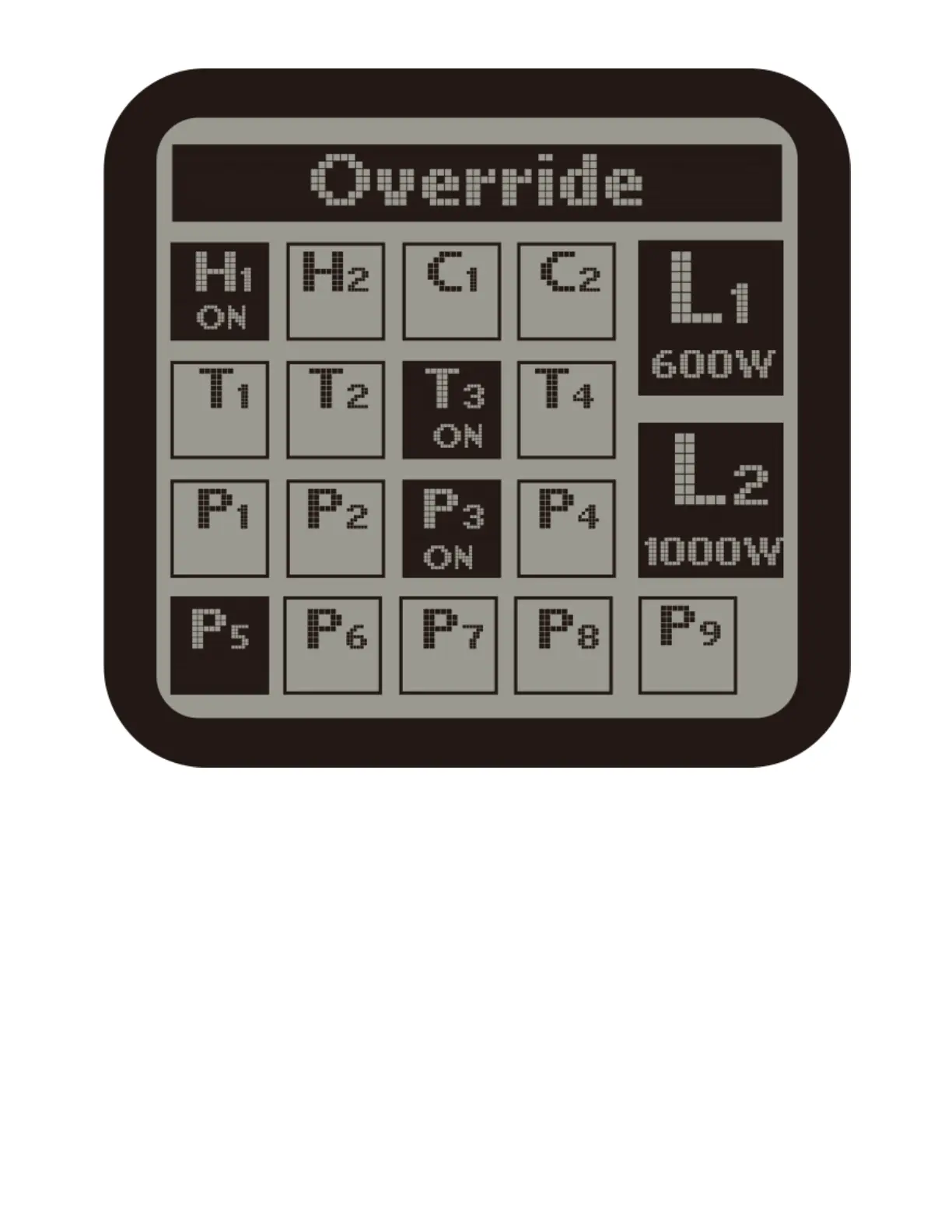
3 ) Override :
When Override function is selected on the System page, the cursor will be
flashing. Use UP or DOWN, LEFT or RIGHT to move to the device you want to
manually override (force) to turn on or off. Press ENTER button to active the
override effect. The effectvie time is 10 minutes. After that, the device will be
back to its orginal status.
SYSTEM SETTINGS CONTINUED



 To Next Page