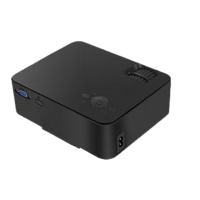
TRONFY TP60+ PROJECTOR
10
How to Mount a Projector
Part 1 of 3: Think about the Screen Placement
1. Find the best location for the screen.
2. Consider your screen height.
3. Know your screen size.
Part 2 of 3: Think about the Projector Placement
1. Calculate your projector’s throw distance.
2. Determine the best throw distance for your projector.
3. Find out your projector’s vertical offset.
4. Calculate the vertical placement of your projector.
5. Determine horizontal lens shift.
Part 3 of 3: Mounting the Projector
1. Decide on the best mount to suit your projector and room.
2. Attach the mount.
3. Calculate the mount-to-lens distance and adjust throw distance accordingly.
4. Secure the projector.
5. Secure the cables.
6. Adjust the projector settings to fine tune the image.
When you complete all the steps, you can enjoy your Home theater life.
Notice:
When you use it, you should adjust the image 180 degrees flip first.
Trouble Shooting
How to reduce the noise of projector:
Usually, when the projectors works, the fan will make noise when cooling off the high
temperature. Please take a break after 3-4 hours of using to avoid overheating.


 To Next Page