TRONFY TP60+ PROJECTOR
6
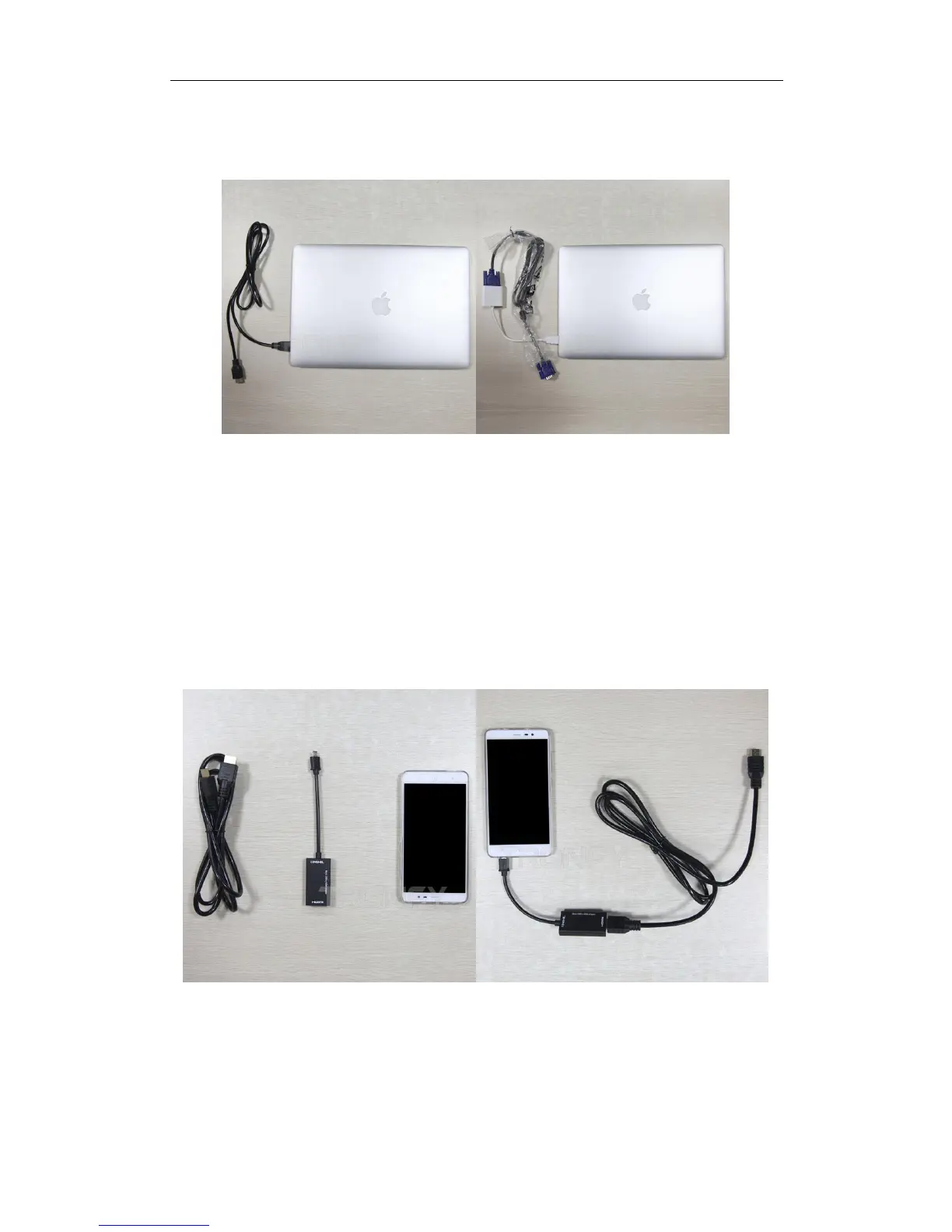
How to connect a laptop with projector with HDMI or VGA cable?
If you connect the projector with VGA Interface, there is a picture but no sound. Unless using a
VGA cable with audio.
What do I need to run this with video from my Android phone
/Tablet?
You will need an HDMI cable with a micro connector to your phone and regular size HDMI end to
attach it to the projector. Make sure your Android phone is MHL ready, otherwise it won't work.
You need to order the HDMI to HDMI Cable and MHL Cable LOCALLY.
Can I use the projector with HDMI cable directly From a TV or PC?
All the projectors support HDMI-in input data. As long as ensure the output data of HDMI-out PC
and TV function. But in general, most of the PC and TV only have HDMI-in, no HDMI output data


 To Next Page