TRONFY TP60+ PROJECTOR
4
Quiet enjoyment, you can connect a headphone via the 3.5mm headphone jack to avoid affecting
other people.
AV Interface:
For perfect sound, it is recommended to connect with an external speaker via the 3-In-1 audio&
video port, please choose good quality audio equipment.
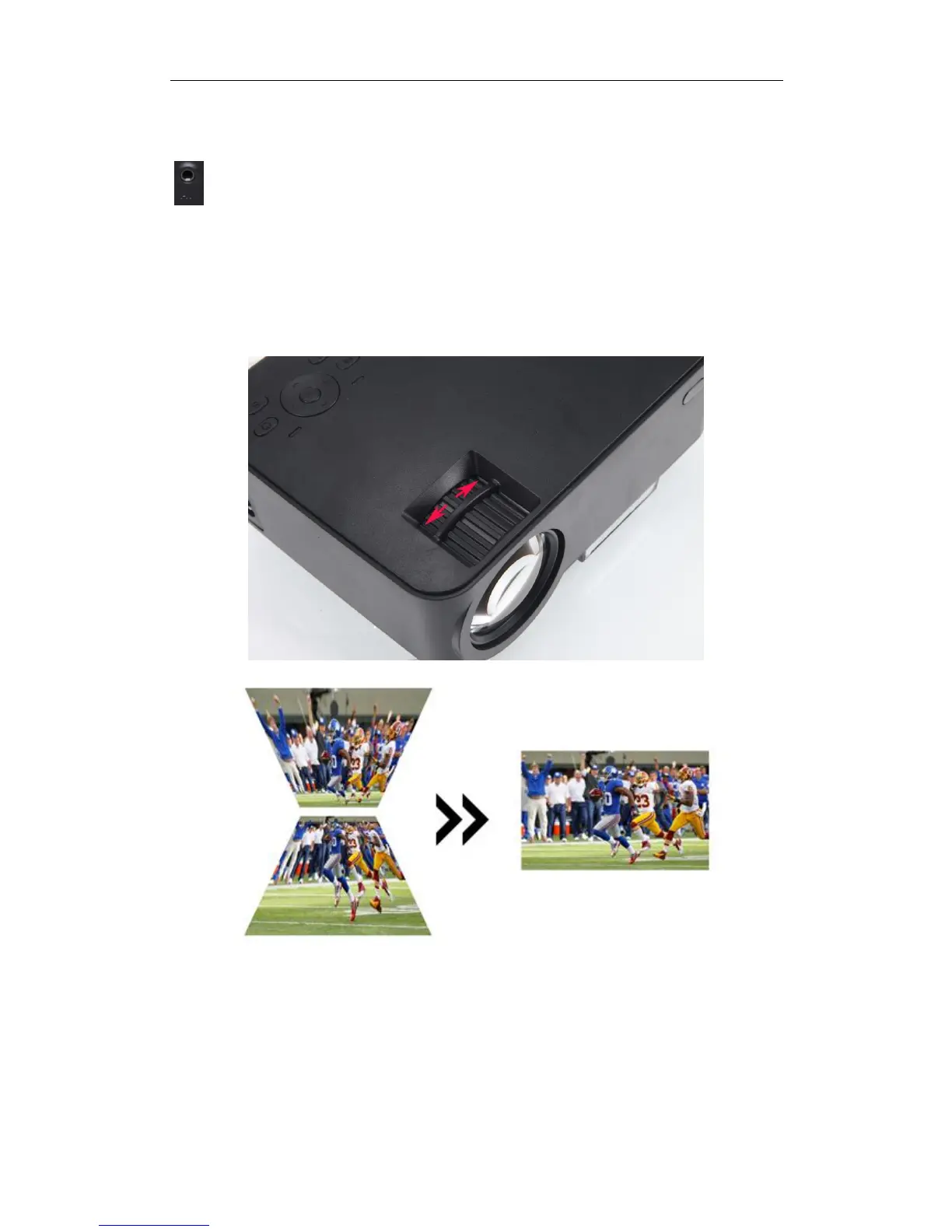
Keystone correction horizontal (±15°)
How to use TRONFY TP60+
Image focus: place the projector vertical to the projection screen, and then turn the focusing ring
slightly, until the brilliant image presented.


 To Next Page