Recordings menu
Press MENU to enter the MAIN MENU.
Select “Recordings” row and click OK
button.
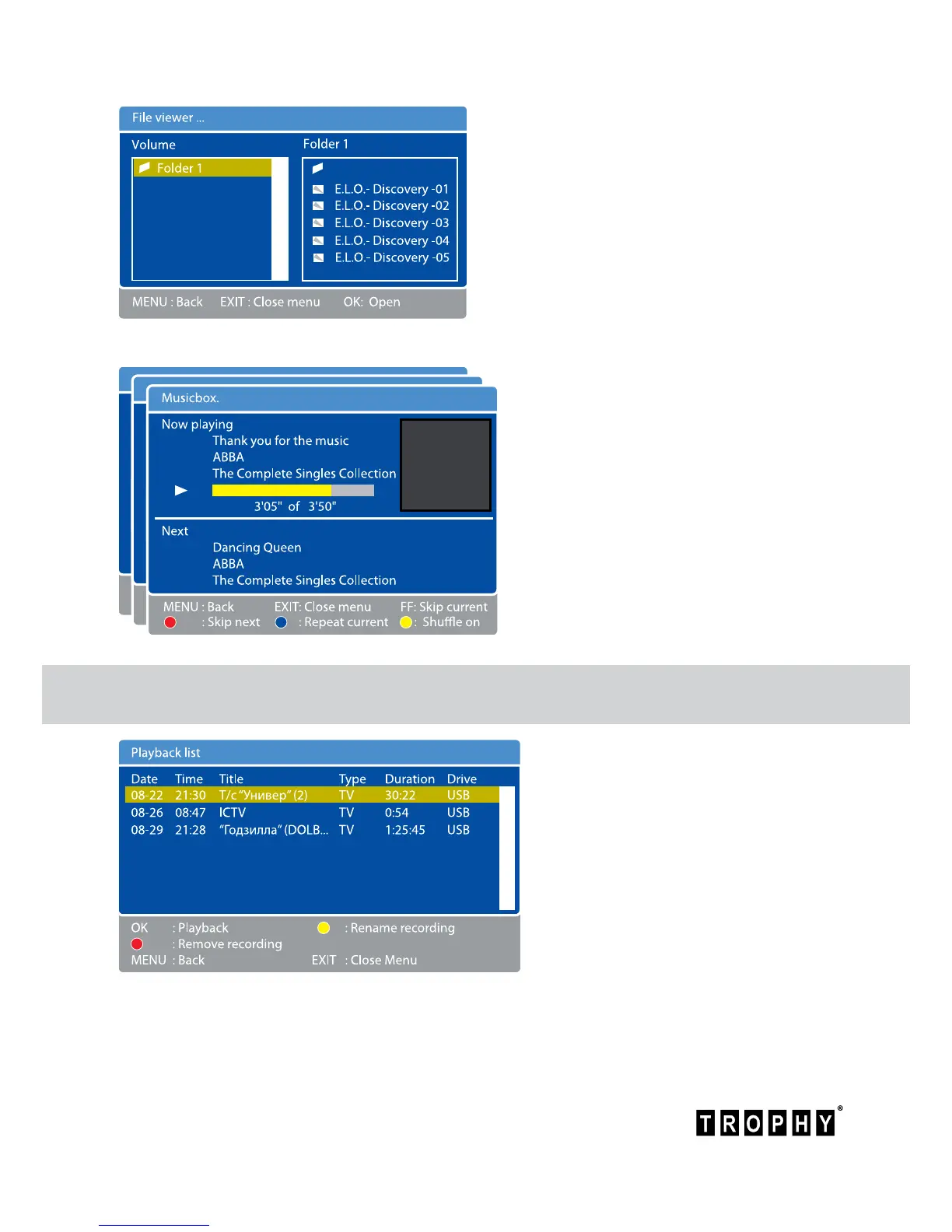
The screen will display the “Playback
list” menu.
This menu has complete information
about the date, title and duration of
video-clip.
You can select desired videole on your ash device.
Click OK button to view the videole. If you want to stop viewing of the le, click STOP button.
To open the FILE VIEWER menu, click OK
Use OK button and up/down/left/right
buttons to select the folder and le for
viewing. JPEG les are displayed on the
screen immediately after the cursor select.
To view videos, you must move the cursor
to the desired le and click OK. To nish
viewing the video, press STOP button.
If you want to listen to an MP3 album,
you can select desired folder and
click OK. On the screen you will see a
Musicbox menu. At the bottom of the
menu are buttons you need to select
tracks in a music album.



 To Next Page