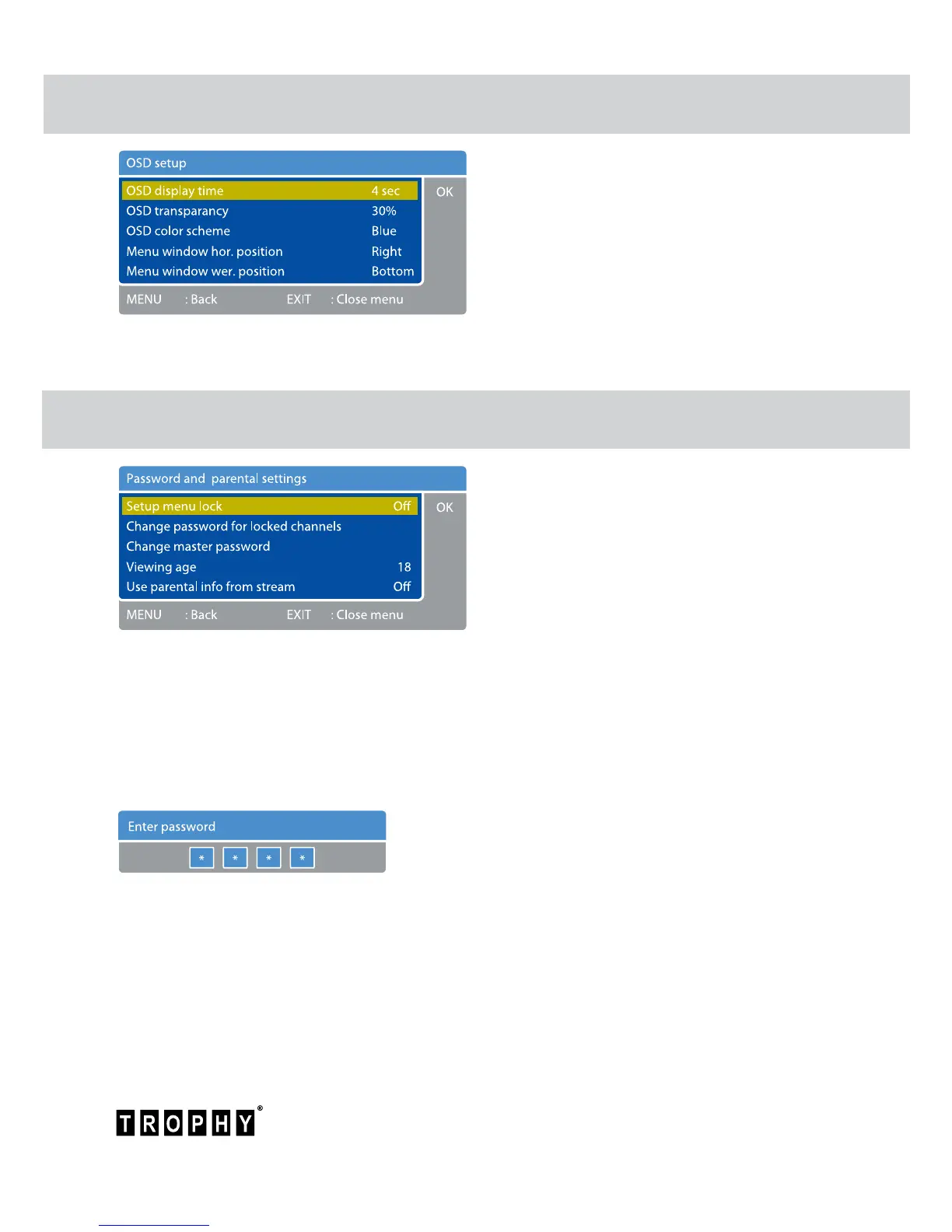
Password and parental settings menu
OSD setup menu
Press MENU to enter the MAIN MENU.
Select the “System setup” row and click OK
button.
Select the “Password and parental settings”
row and click OK button.
You can block the ability to work with the
“Main menu” by Menu Lock Password (Master
Password).
The default Master Password is 1234.
If you want to change it click on the “Change master password” line.
If you have locked the channel in “Service list editor” menu (red line), to open this channel you
will need to enter the parent password.
The default Parent Password is 0000.
If you want to change it click on the “Change password
for locked channels” line.
Press MENU to enter the MAIN MENU.
Select the “System setup” row and click OK
button.
Select the “OSD setup” row and click OK
button.
You can set how long Data Panel will be displayed on the screen. Also you can change
transparency, color and location of OSD.



 To Next Page