11 EN
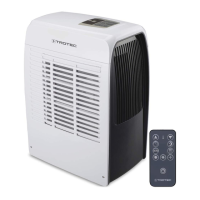
Operating manual – local air conditioner PAC 2010 E / PAC 2610 E
Switching the device on
1. Allow the device to rest for a time.
2. Once you have completely installed the device as described
in the Start-up chapter, you can switch it on.
3. Press the On/Off button(19).
ð The device switches on.
4. Select the desired operating mode.
The device switches off automatically when the condensation
tank is full. H8 is displayed on the segment display(13).
Setting the operating mode
Cooling
In cooling mode the room will be cooled down to a certain
preselected temperature.
Upon reaching the target temperature, the device switches to
standby, i.e. the fan keeps running at the preselected level, but
the device does not resume cooling until the preselected value
is exceeded again.
The automatic stage depends on the current room temperature
and the set target temperature. The fan speed increases with a
high room temperature. The fan speed decreases in case of a
low room temperature.
1. Use the Mode button(16) to select cooling mode.
ð The operating mode LED Cool(15) is illuminated.
2. Select the desired target temperature by use of the arrow
buttons(12 or 14). The temperature can be adjusted in
increments of 1°C in a range between 16 °C and 30 °C.
ð The desired target temperature is indicated on the
segment display(13).
3. Select the desired fan stage by use of the Fan button(22).
ð The fan stage LED(23) indicates the desired fan stage.
Dehumidification
In dehumidification mode the humidity level in the room is
reduced.
The temperature cannot be adjusted and the fan runs at the
lowest speed level.
Info
Remove the exhaust air hose during dehumidification,
otherwise the performance will be insufficient.
1. Press the Mode button(16) until the operating mode LED
Dry(15) is illuminated.
Info
If the device is operated in a very humid environment,
the accumulating condensate must be discharged at
regular intervals (see chapter Condensate discharge).
Connecting the condensation hose
If you use the device for an extended period of time or you don't
want to empty the condensation tank all the time, you can
connect the condensation drain hose to the hose connection.
ü The device is switched off.
ü The device is disconnected from the mains.
1. Carefully transport or wheel the device to a suitable location
for discharging the condensate (e.g. a drain) or position a
suitable collection container under the condensate outlet.
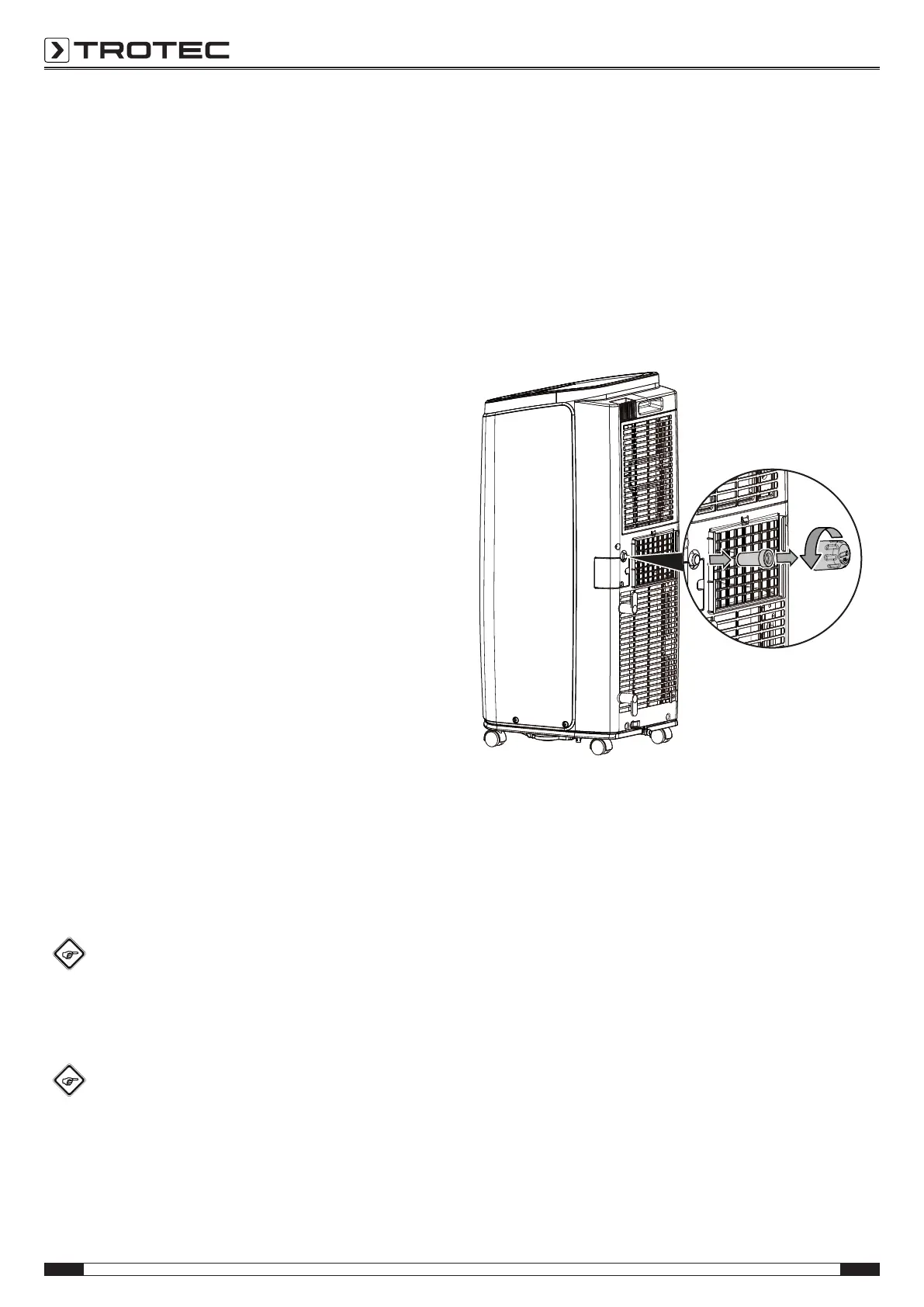
2. Unscrew the sealing cap counter-clockwise from the hose
connection(9).
3. Remove the rubber stopper from the hose connection.
4. Keep sealing cap and rubber stopper for later use.






 To Next Page