10 EN
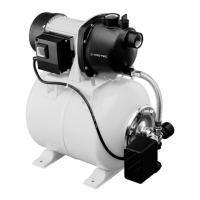
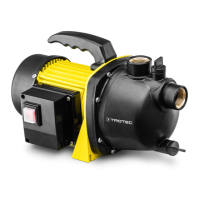
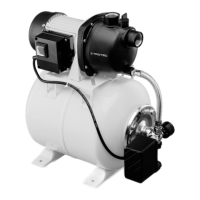
submerged clear water pump, near-ground suction TWP 4006 E / TWP 7506 E
1. Fasten the supplied nylon cord to the transport handle(1)
at the top of the device.
2. Lower the device into the water at a slight angle to allow
any remaining air to escape.
3. If you want the device to be positioned on the ground,
ensure that the latter is even.
4. Attach the end of the nylon cord to an easily accessible
position, so you can pull the device back out after pumping
has been completed.
Operation
Switching the device on
Once you have completely installed the device as described in
the Start-up chapter, you can switch it on.
Warning of electrical voltage
Do not touch the mains plug with wet or damp hands.
Info
The device has an automatic ventilation function. If the
liquid level is low, any air that is sucked in or that
remains in the pump will escape. In addition, liquids
may escape at this point.
If the device has trouble with the air intake when the
liquid level is low, you can repeatedly unplug and plug
in the mains plug to support the air suction process.
1. Plug the mains plug into a sufficiently fused mains socket.
ð The device will be switched on when the float switch is
situated above the adjusted or the maximum switch-on
height.


 To Next Page