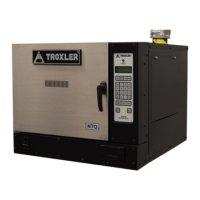
Troxler NTO 5–35
5. MAIN MENU
ADJUST AIRFLOW
During factory calibration, the speed of the oven’s exhaust fan is set
to optimize the airflow for efficient combustion. The Adjust Airflow
function enables the operator to increase the speed of the exhaust
fan, if needed. To access this function, press 〈9〉 on the
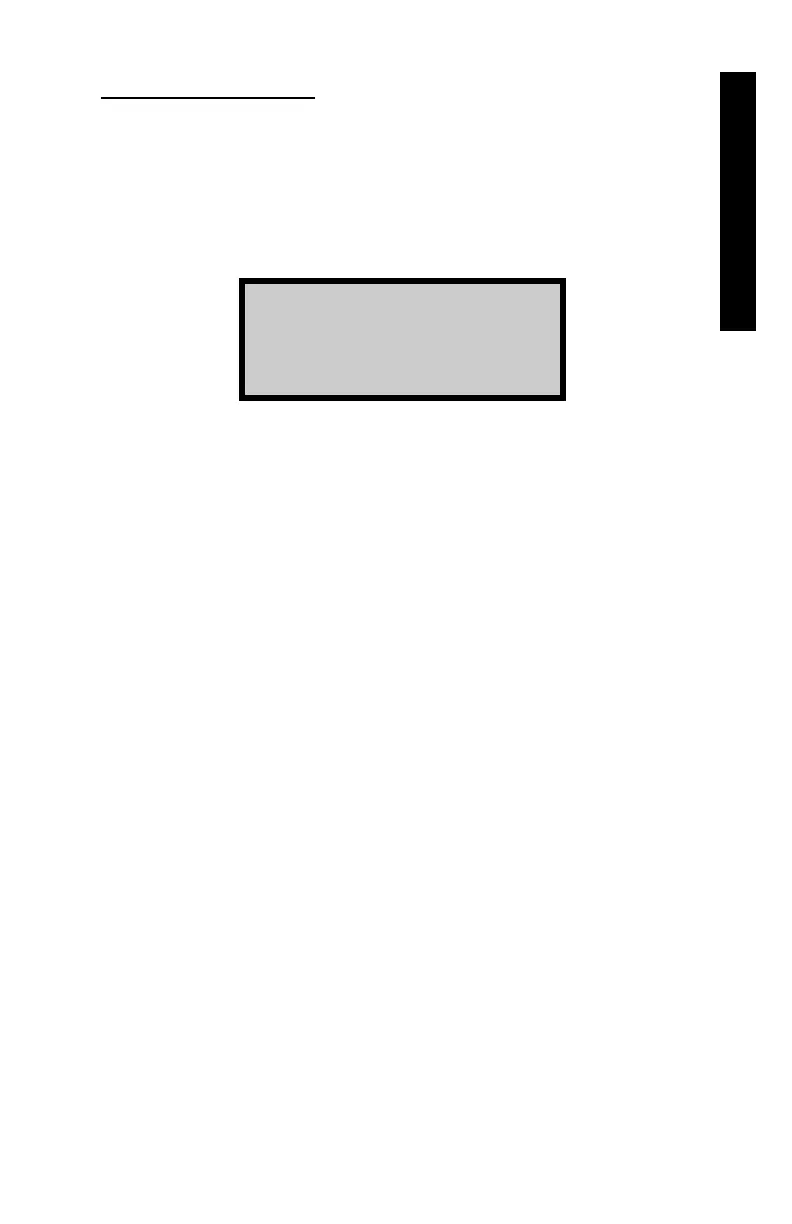
Miscellaneous Menu. The oven displays:
Airflow Adjust
1. Increase
2. Remove
Press 〈1〉 to increase the speed of the exhaust fan.
NOTE
The increase in fan speed is a fixed value, and can only
be toggled on and off. Repeated attempts to increase the
speed are ignored.
Press 〈2〉 to return the fan speed to the factory calibration settings.



 To Next Page
 Loading...