2
Troubleshooting
Entering the Maintenance Mode
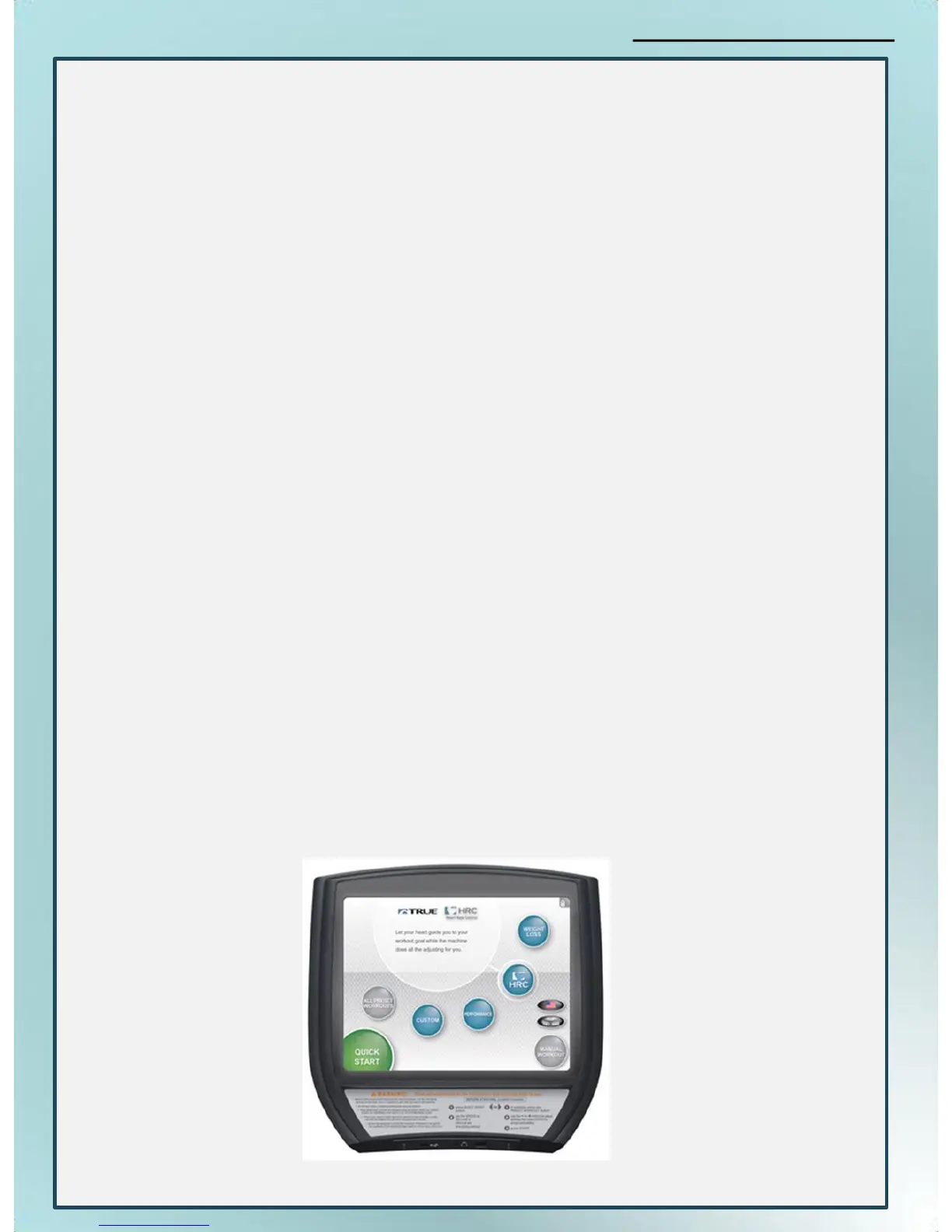
15” Touch Screen:
The Maintenance Mode is designed to help the tech determine
certain faults in the upper control boards and feedback from
the brake system.
Press and hold the top left corner of screen until the True emblem
will begin to flash after 4 seconds.
Press and hold Manual Workout Button to reveal list of options
1. Configure (Displays the current model setup)
2. Calibration (Primary use on treadmills, can see RPM here)
3. Diagnostics (Used only on treadmills)
4. Production Tests (Test the brake system)
5. Utilities (Install software, TV tuner setup, touch screen setup)
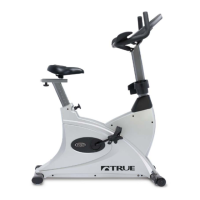
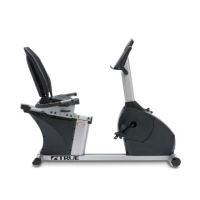
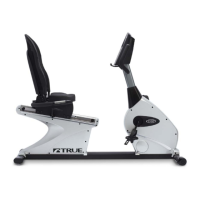
CS800/900LC Bike



 To Next Page