9
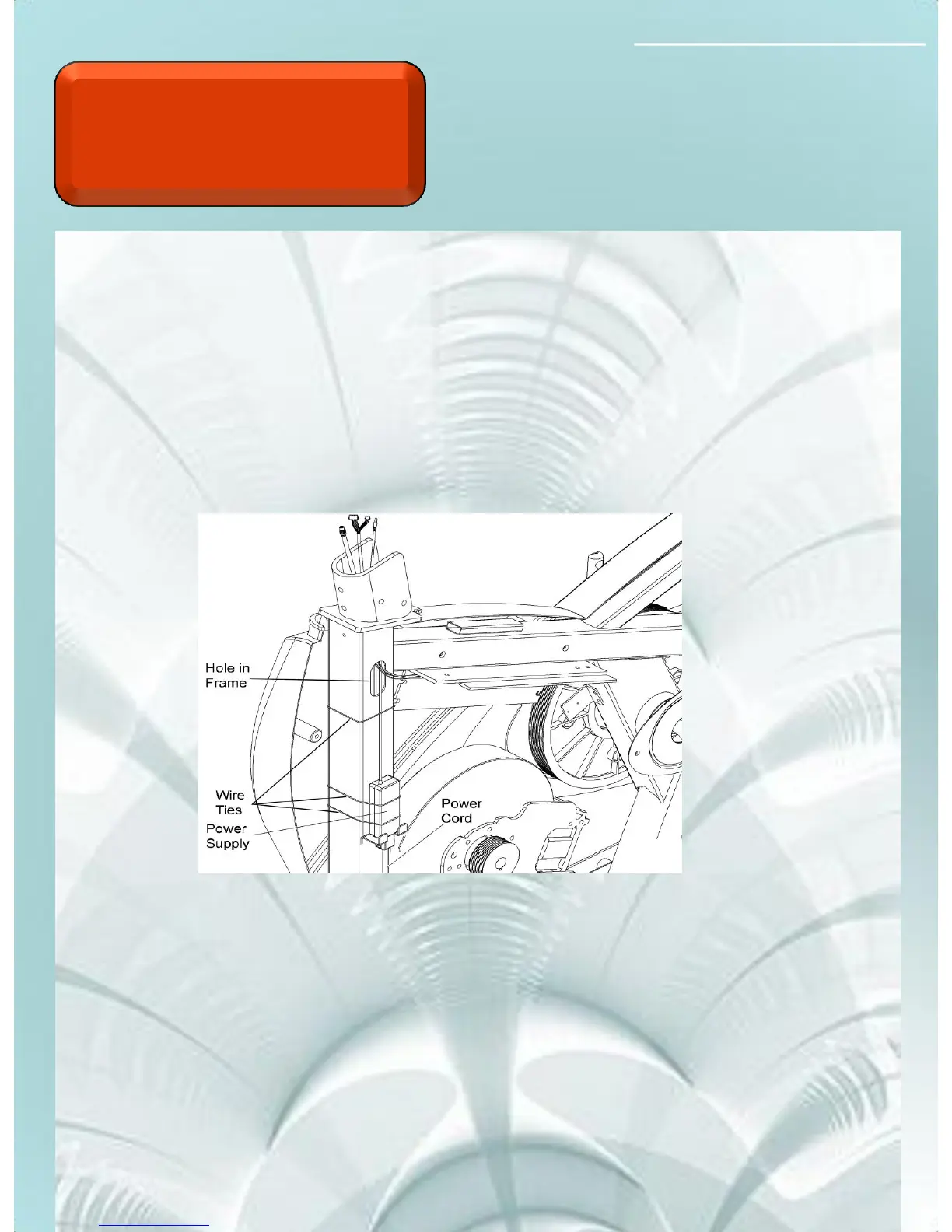
The touch screen console requires a DC power supply to
operate. follow the steps below to determine the component
issue.
1. Disconnect the 2 conductor power cable (red and black) at the
upper board and probe for 12 VDC
2. If you test 12 VDC at the upper, replace the console.
3. If there is not 12 VDC at the upper probe for 12 VDC at the
power supply under shroud.
4. If there is 12 VDC at the power supply replace the intermediate
power cable.
5. If there is no 12 VDC, check for 120 VAC coming in to the
power supply. If there is 120 VAC replace the power supply.
No Console
Display Touch
Screen
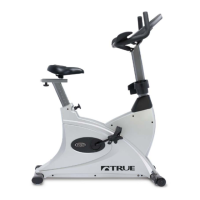
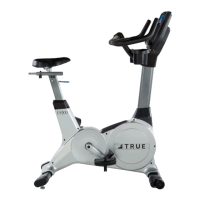
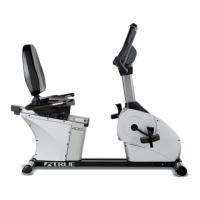
CS800/900LC Bike



 To Next Page