12
h) Photo mode
In recording mode, press the shutter button to take a photo. Only applies in the recording modes 1920x1080@45fps
/ 1920x1080@30fps / 1280x720@60fps / 1280x720@30fps.
i) Playback mode
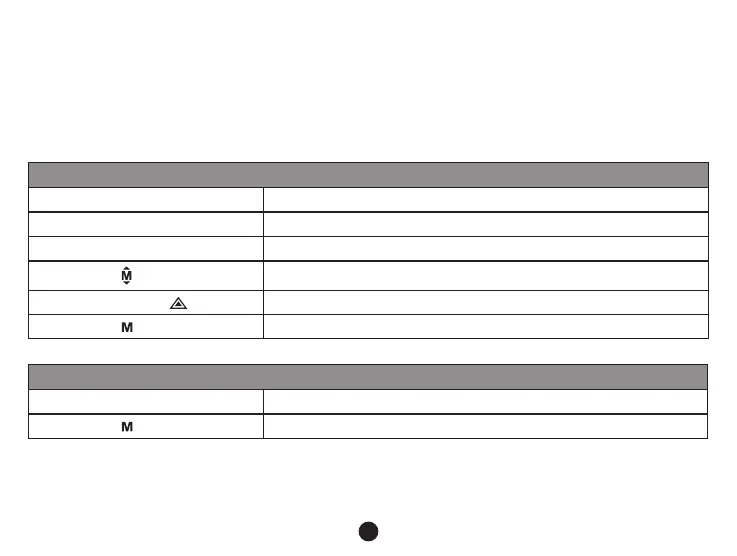
Press the mode button to enter the playback mode, then press the menu button to choose a preview of a video /
Preview in six image grid
Up button
Down button
OK button
Menu button
Enter menu list
File protection button
Mode button
Change mode
Play
OK button Play / Pause
Mode button
Back to six image grid preview
j) Other functions
GPS coordinates view - allows to display GPS position within the video. Location is display in the form of
coordinates.



 To Next Page